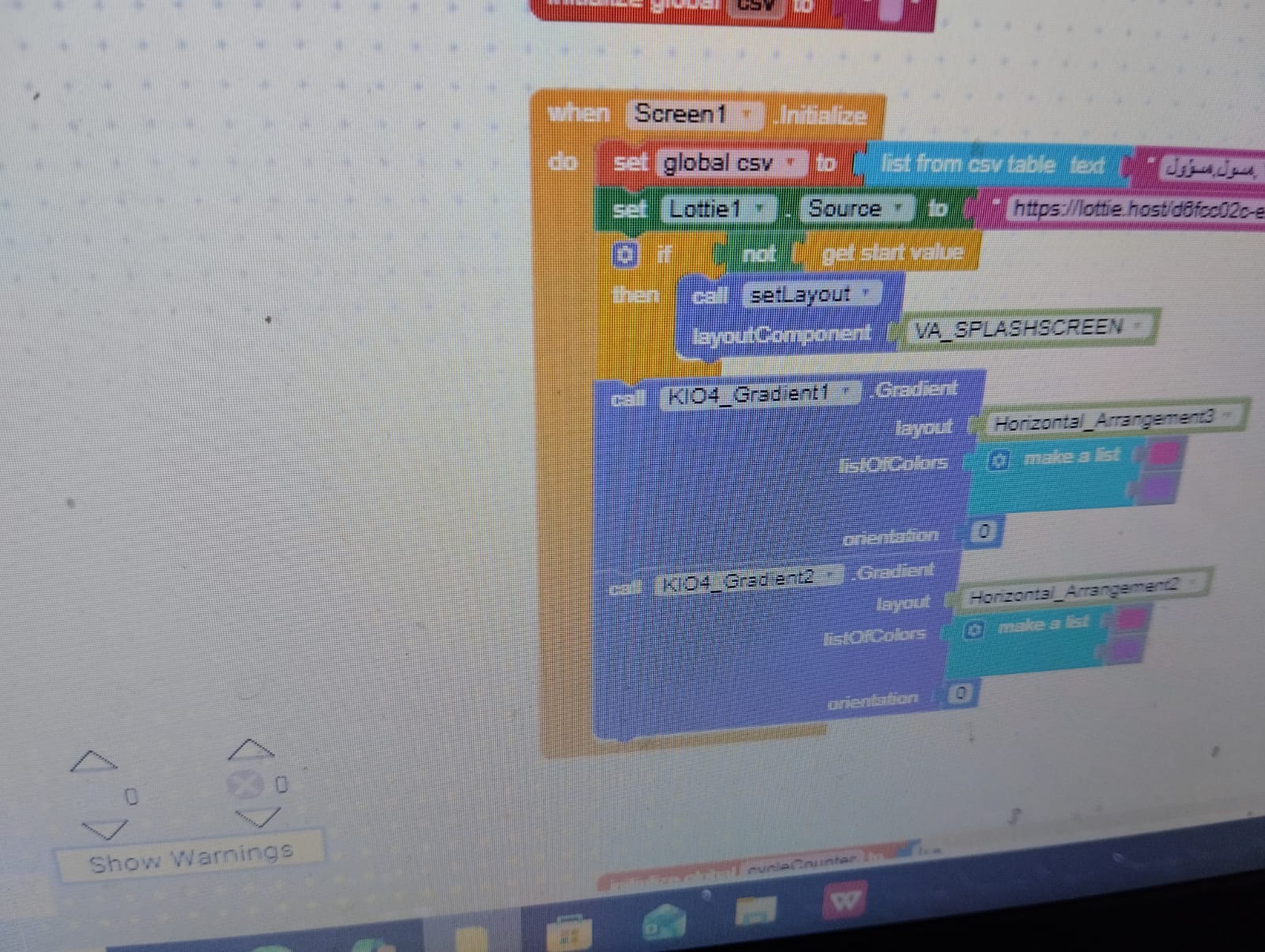
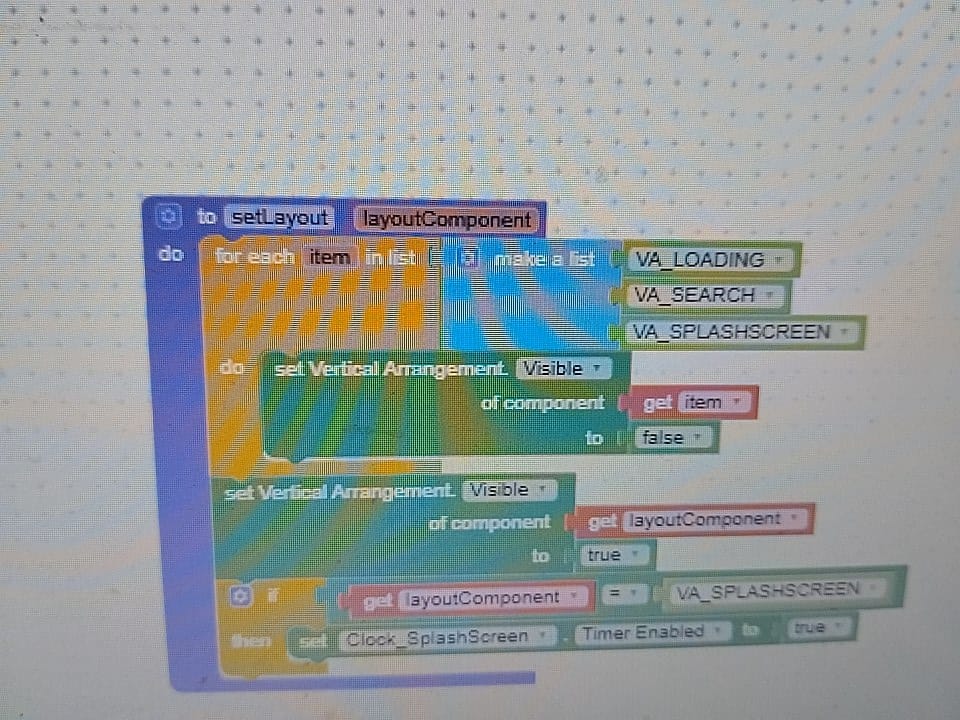
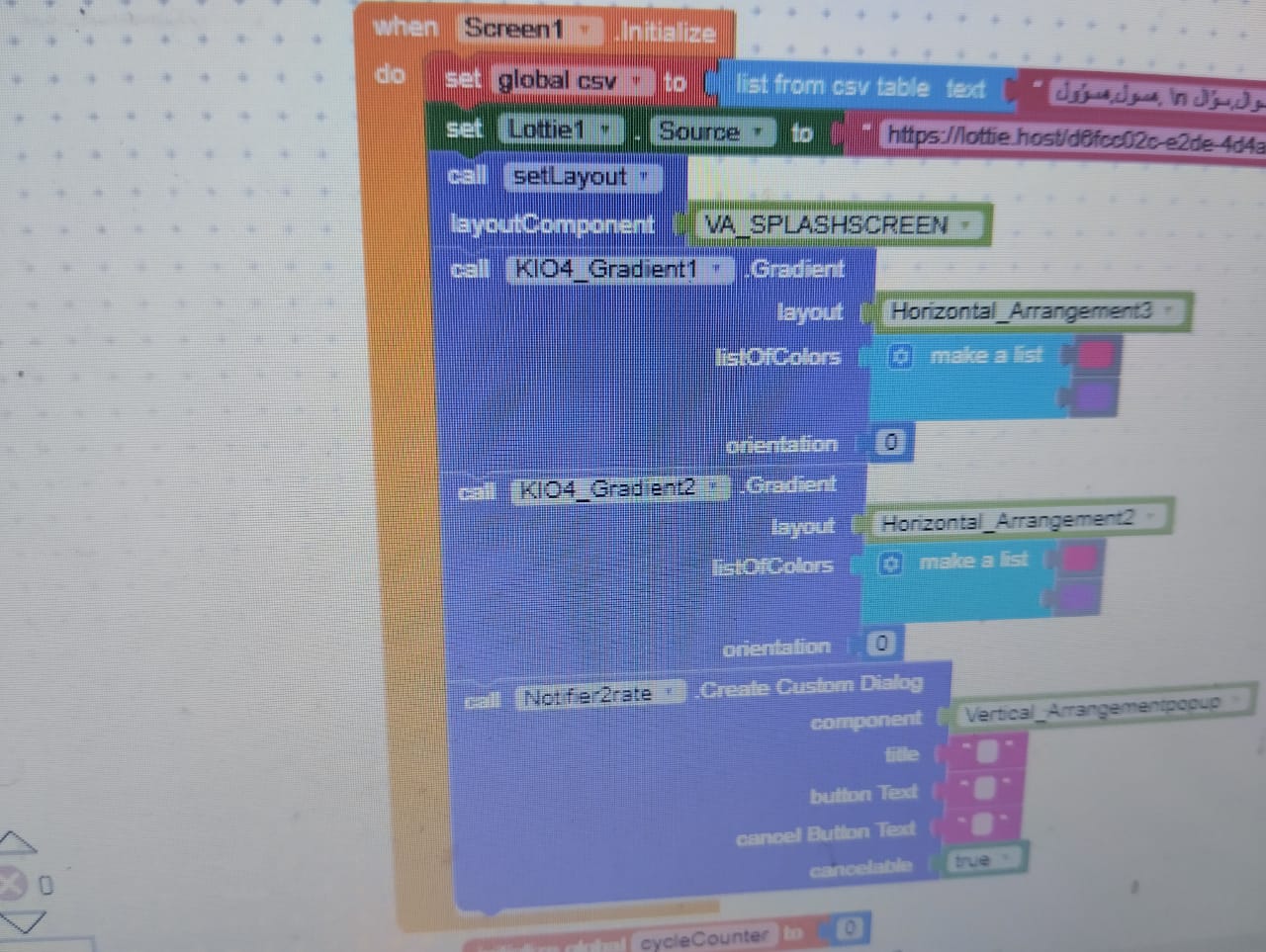
I have one screen (Screen1) that contains both a Splash Screen (a Vertical Arrangement visible at app start) and the main app content (another Vertical Arrangement initially hidden). After the splash finishes, I hide the Splash Arrangement and show the main app content.
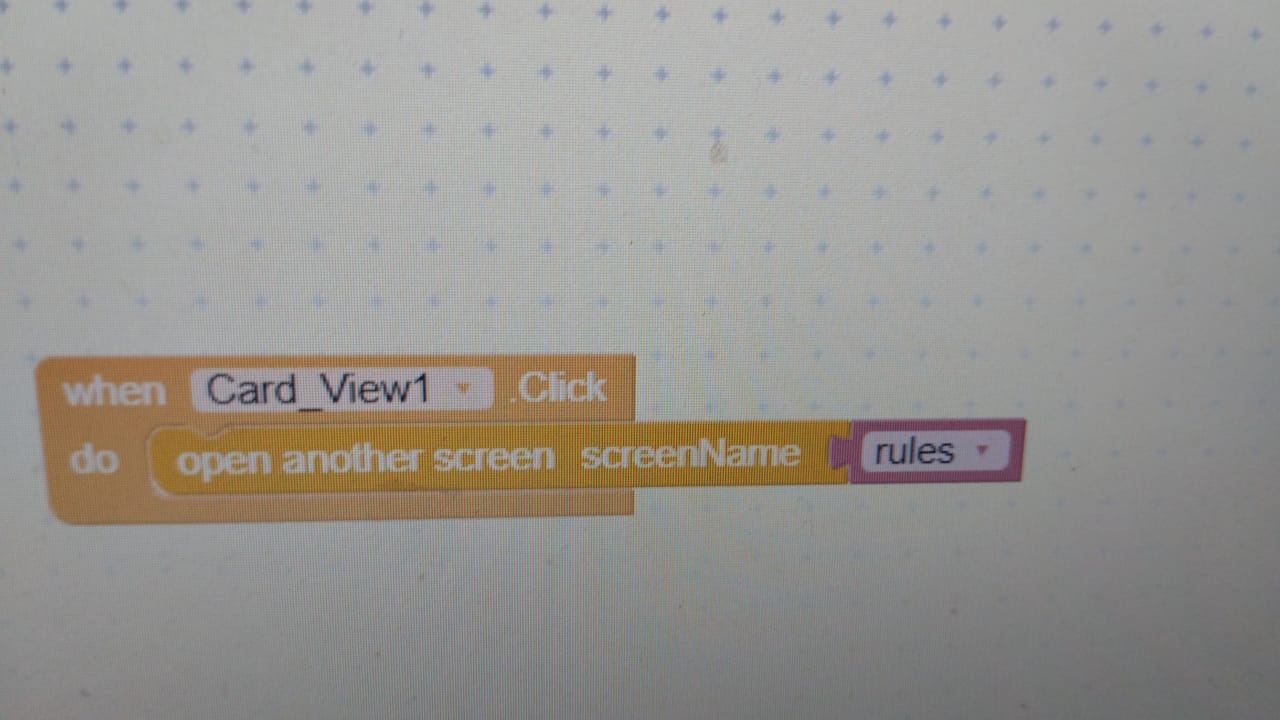
In the main content, there’s a button that navigates to Screen2.
In Screen2, I have a Back button that should take the user back to Screen1 without showing the Splash Screen again.
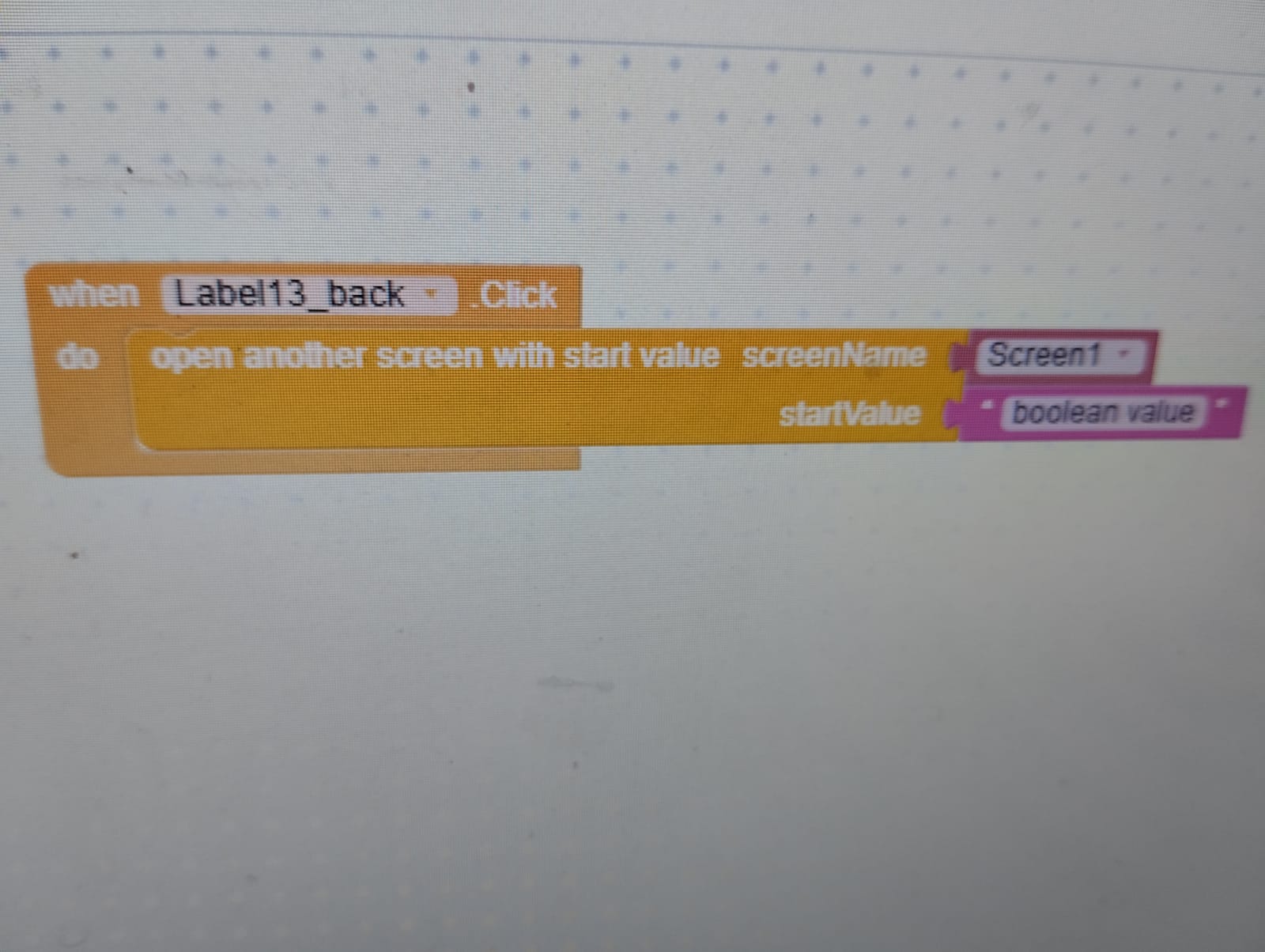
However, when I use the block “open another screen Screen1”, it reloads Screen1 and the Splash Screen shows again, which I don’t want.
How can I navigate back to Screen1 so it does not show the Splash Screen again?
Thanks a lot!
I think simply closing Screen2 instead of launching another instance of Screen1 should be enough in your case, but follow the guide in the future for easier and more resource efficient screen management.
From main screen use ‘open another screen’ and from all other screens just use ‘close screen’ which will move user to main screen from where the user ‘opened another screen’.
Thank you, but this method didn’t work for me. It just reloads the main screen again and then returns to the same screen I wanted to go back from.
Thank you, but there seems to be something wrong with the code. It didn’t execute as expected, and I feel like I might have arranged the blocks incorrectly. Could you please check them for me?
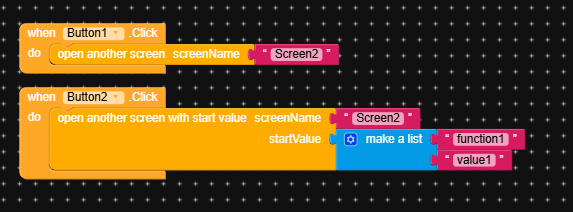
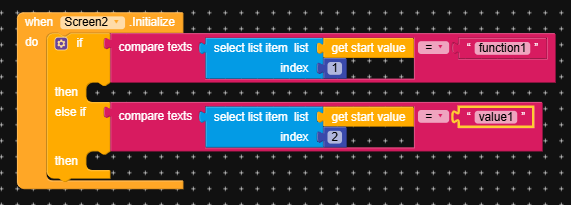
this is how we open an screen with or without an start value. start value is given to detect something specific and do specific with start value. see example below…
now screen 2 is opened from main screen1. We don’t need to use ‘open another screen’ to move again to main screen! Now we just close this screen. see example below…
Thank you, but I still don’t understand.
I couldn’t quite grasp it.
Do I need to use all the code blocks shown in the picture, or is that just an explanation?
Just to clarify:
I have a main screen that shows a splash screen when the app starts. After the timer ends, the splash screen disappears, and a vertical arrangement with all the main components appears, along with a custom title bar.
There is a button on this main screen that opens Screen 2.
In Screen 2, I want the back button to return me directly to the vertical arrangement containing all the main components and the custom title bar — without showing the splash screen again.
So, do I need to use all the blocks shown in the picture to achieve this, or only some of them?
When I do this, by placing close screen on the back button click, it first goes back to the splash screen, then to the vertical arrangement containing the rest of the app components.
But I don’t want that — I want it to skip the splash screen and show the main screen directly without the splash screen.