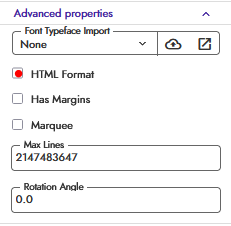
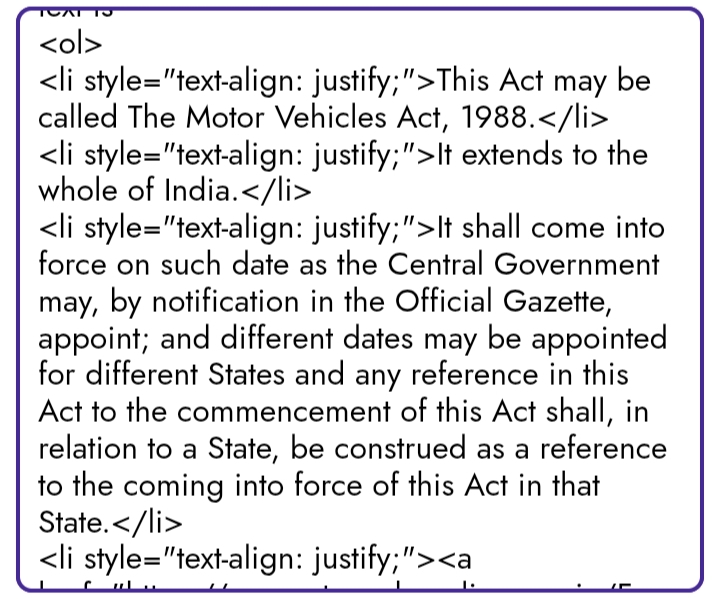
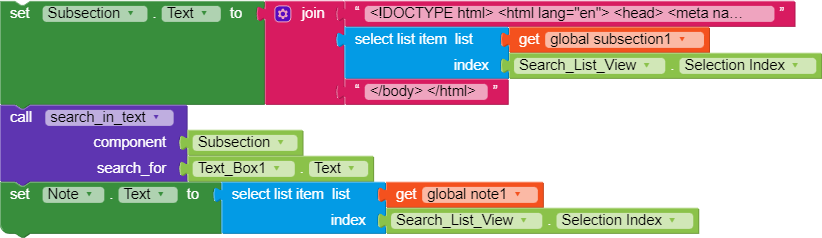
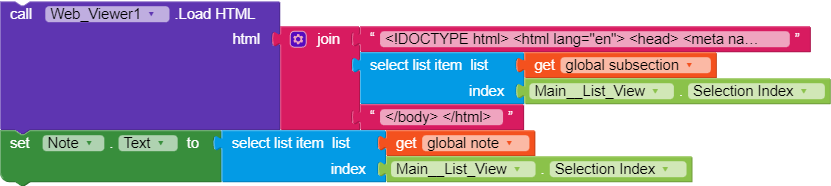
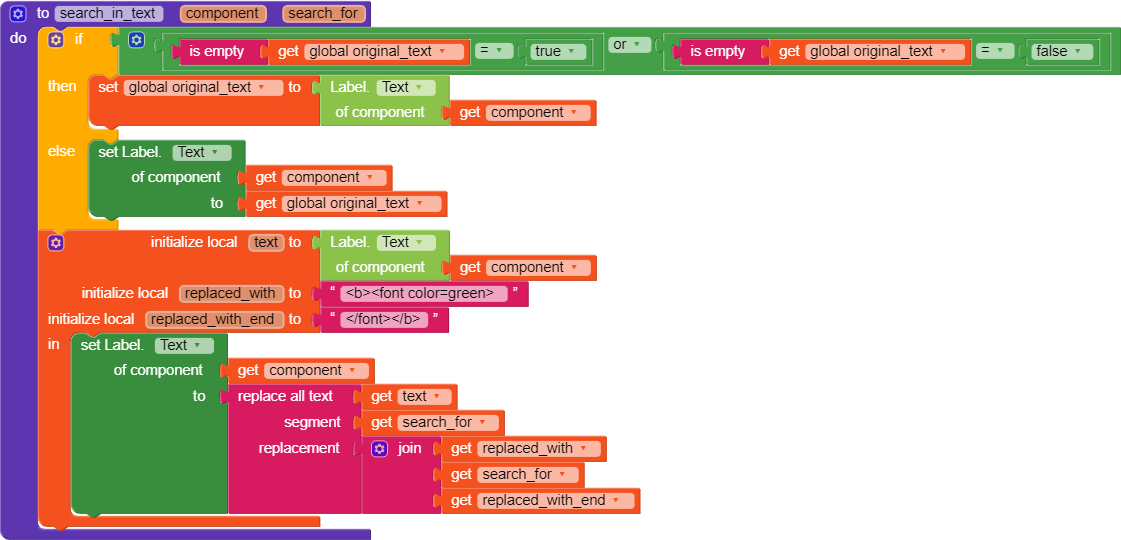
i need text shown in app with proper paragraph and html, see same html text in web viewer and label. i can show in label as shown in web viewer.
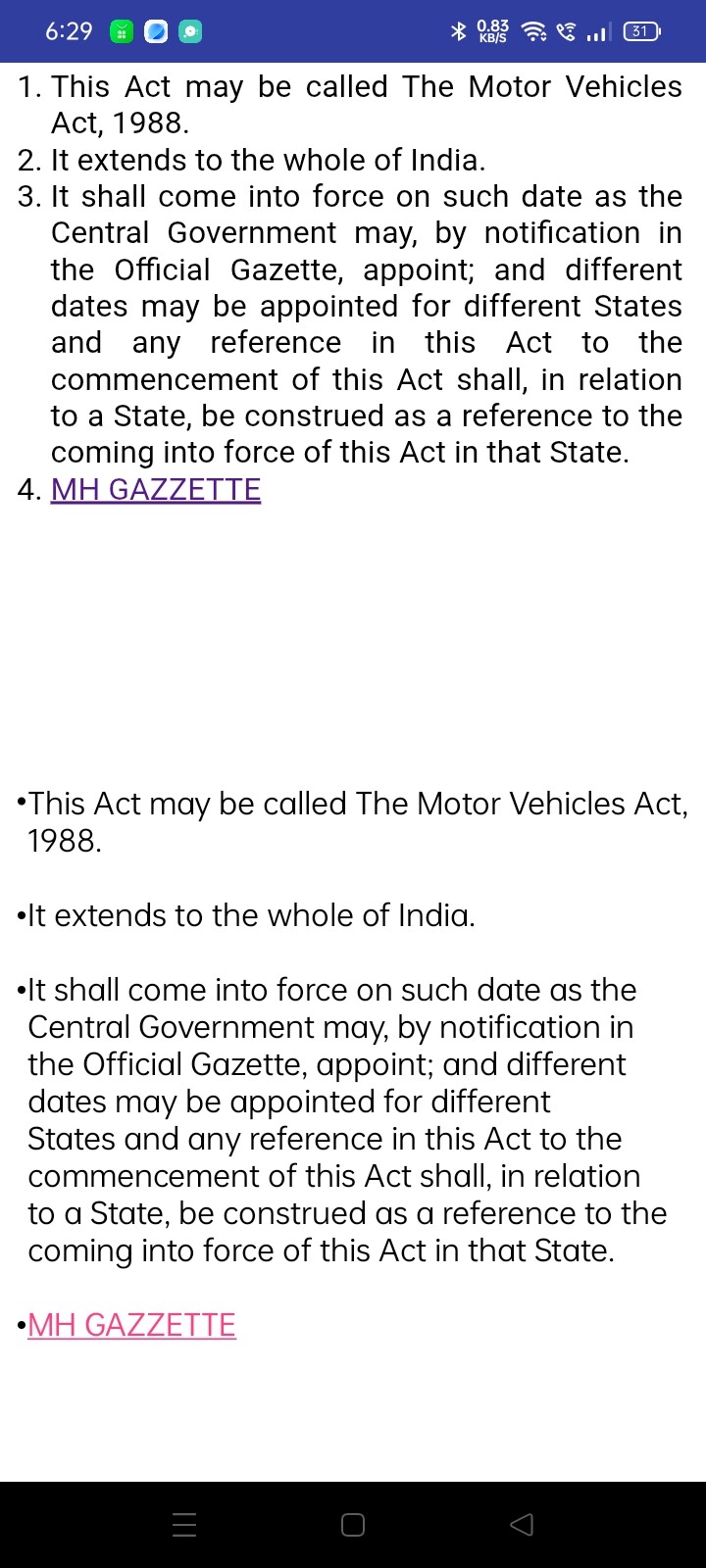
above is webviewer and below is label
i need text shown in app with proper paragraph and html, see same html text in web viewer and label. i can show in label as shown in web viewer.
Yes, that why text look like this otherwise real text is
<ol>
<li style="text-align: justify;">This Act may be called The Motor Vehicles Act, 1988.</li>
<li style="text-align: justify;">It extends to the whole of India.</li>
<li style="text-align: justify;">It shall come into force on such date as the Central Government may, by notification in the Official Gazette, appoint; and different dates may be appointed for different States and any reference in this Act to the commencement of this Act shall, in relation to a State, be construed as a reference to the coming into force of this Act in that State.</li>
<li style="text-align: justify;"><a href="https://egazzete.mahaonline.gov.in/Forms/GazetteSearch.aspx" target="_blank">MH GAZZETTE</a></li>
</ol>
In webview this can be clicked, but with labels I don’t know if you can click it, once u enable labe clicked to true it will run the whole label, maybe I misunderstood what you want
I tried something like this before, image below
So your goal can be possible but u can’t click that
sorry, I misread 
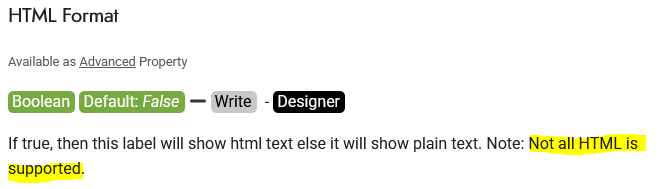
Anyway, it’s exactly as Ibrahim says, unfortunately label formatting is very basic and doesn’t support all tags.
Could you explain better why you can’t use a WebViewer? Maybe we can find another solution.
i just want to use web viewer instead of label currently use Subsection label to show text
I don’t think I fully understood, do you need to simply highlight some text in the WebViewer?
If so, using  vknow’s CustomWebView you can use the built-in function.