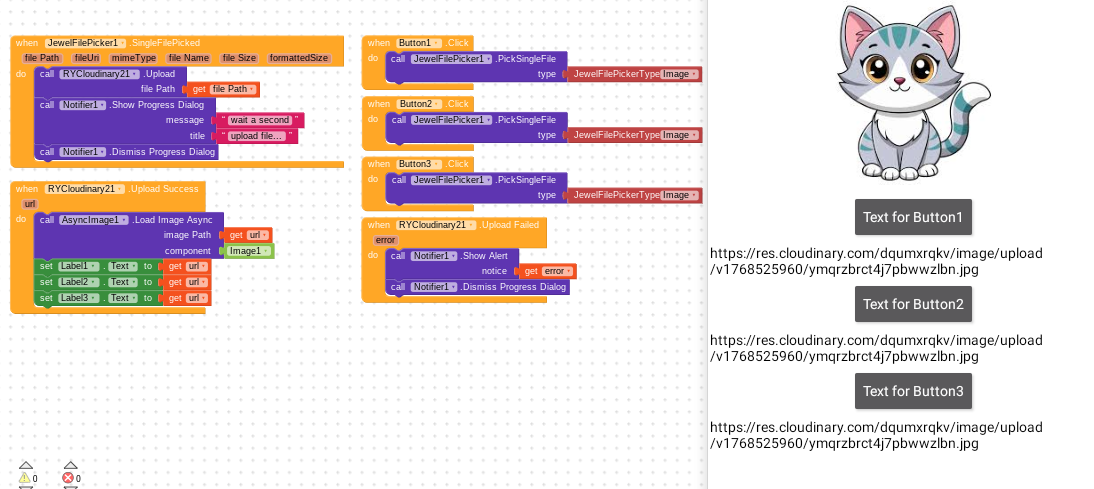
the problem is that when get the url i can’t set it to a label i want to be when picking it from a button, i can only get the url in all of the labels or one label my blocks :
Initialize one global variable say index with value 0
When button 1 clicked
set global index to 1 and
Do the same existing block for jewelfilepicker
Likewise for remaining buttons, set the index value.
And In the upload success use if then else if logic
When upload success,
If the global index is 1
Then set lable 1 text to get url
Else if the global index is 2
Then set label 2 text to get url
Else set label3 text to get url
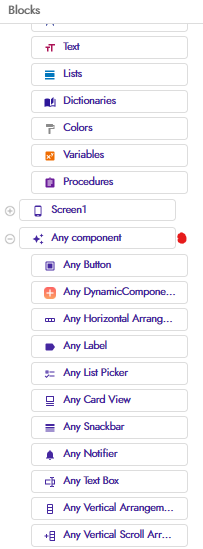
first i need the couldinary1 extension you used, second where did you got : when any button .click event from!? i couldn’t find it even when i write it!!
i prefer the blocks way because it is faster to me to use it and i don’t have much time to learn, i want to start my project as soon as possible, but i don’t dislike still learning method too because it is deeper and make you figure it while melting your brine and it needs time.
RaYzZz : i think you made the buttons to be handled by the dictionary then to set the uploaded url in the labels…correct me if i am wrong
RaYzZz : it is easier for me to understand faster because i can see the blocks so it makes me learn faster how it happened..i am not expert in kodular so it is easier for me to understand from the blocks.
Still learning: Difficult but deeper if someone wants to learn coding deeply, so for me it is like i am learing how to coding..so that i wont be able to create an app faster.
@RaYzZz@Still-learning thanks again, i am also still learning from everyone in kodular community
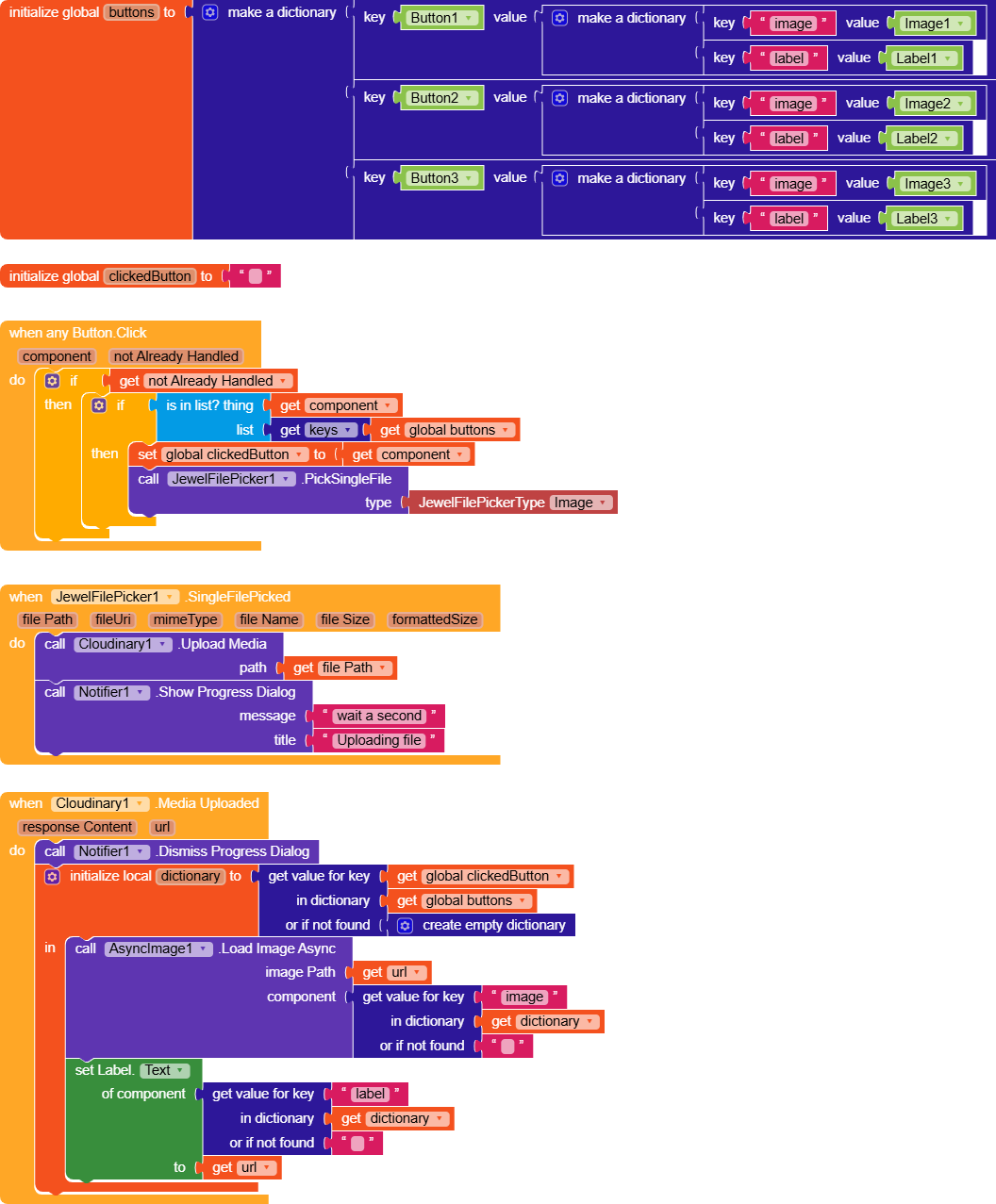
The dictionary is used specifically to connect each button to a label and an image.
When any button is clicked, it is checked whether it exists among the dictionary keys (so a list of the three buttons) and sets the clickedButton variable.
Then, when the response from Cloudinary is received, the dictionary is queried using clickedButton as the key , and the two components, label and image, are returned, to which the URL value is assigned.
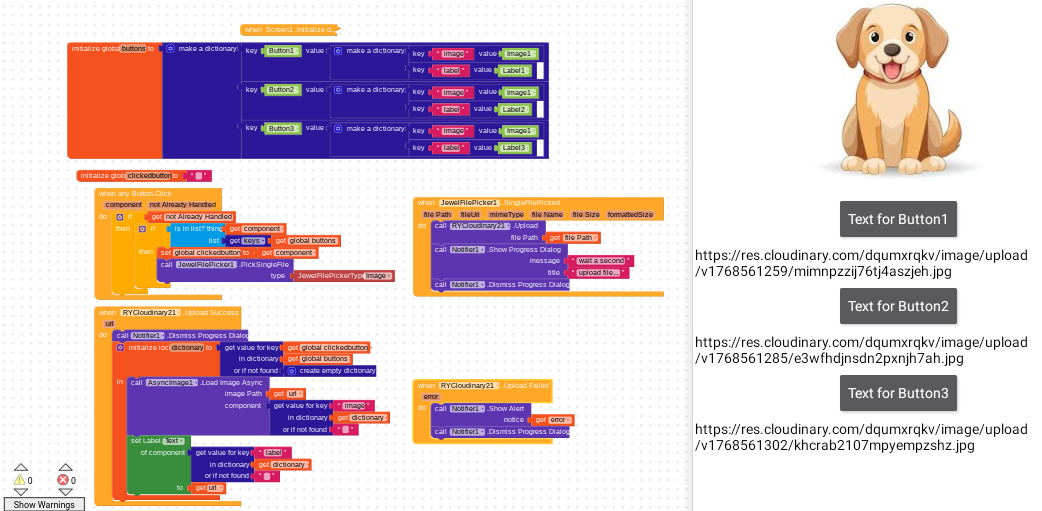
 my blocks :