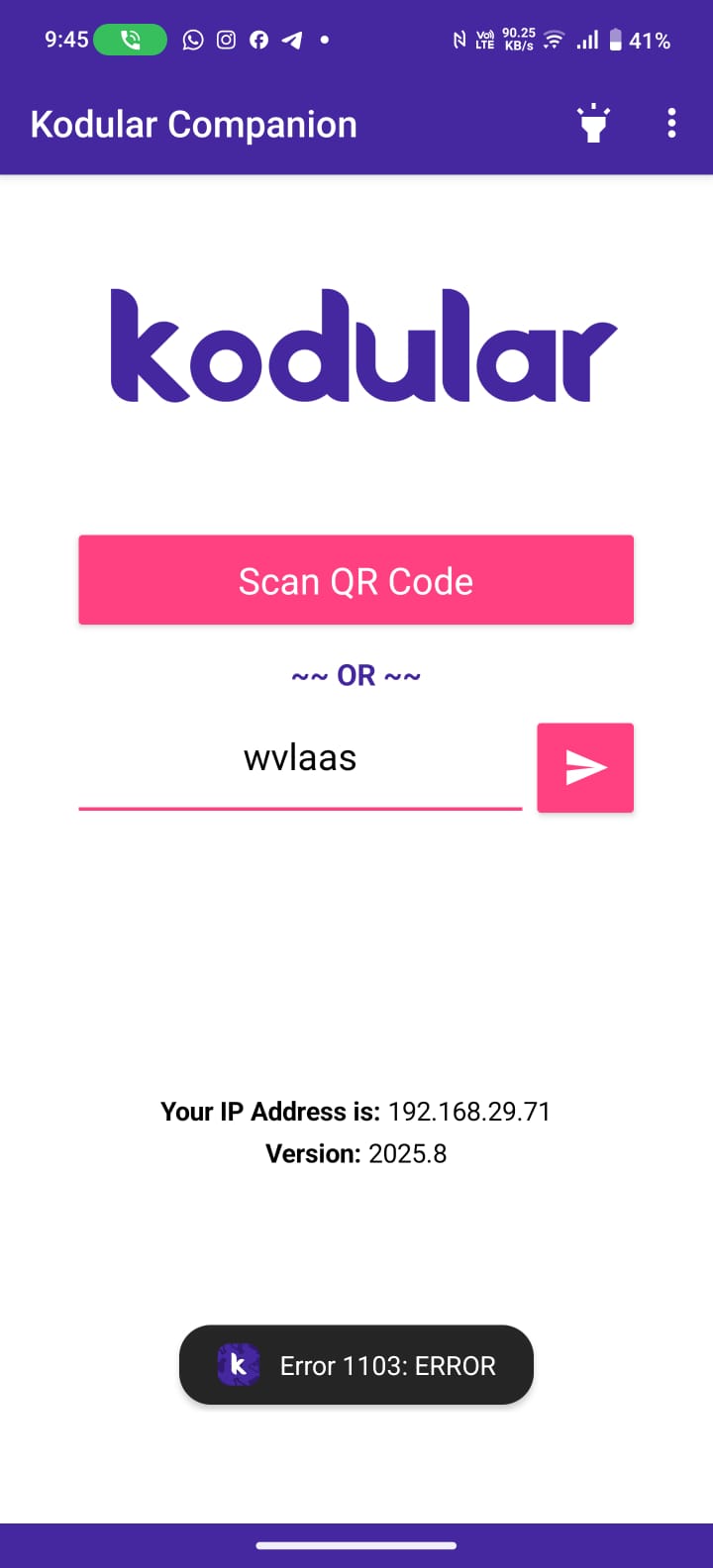
Im trying to test app on companion, after entering code it is showing “Error 1103: ERROR”
Hi dear, is the app up to date?
Yes, Companion 2025.8 version
i created new project, and it worked but my other app is not working why?
Without having the project at hand, it’s difficult.
Just try downloading it and reimporting it, maybe we’ll solve it that easily.
I tried that too, but the same issue occurred. I also tried exporting the APK, and when opening the app, it displays only a white screen. I have used this app project in 2024, and since then, I used it today.
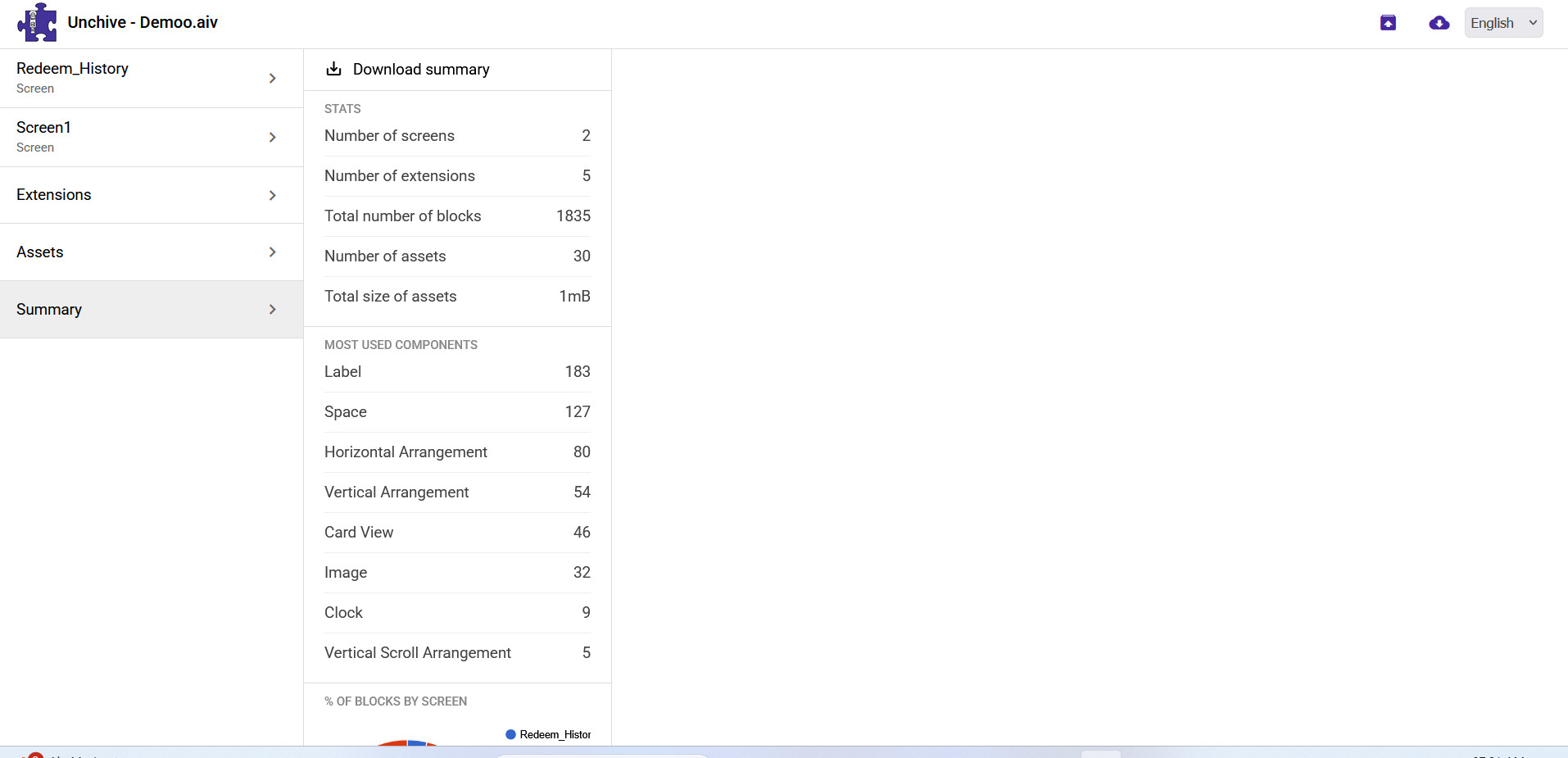
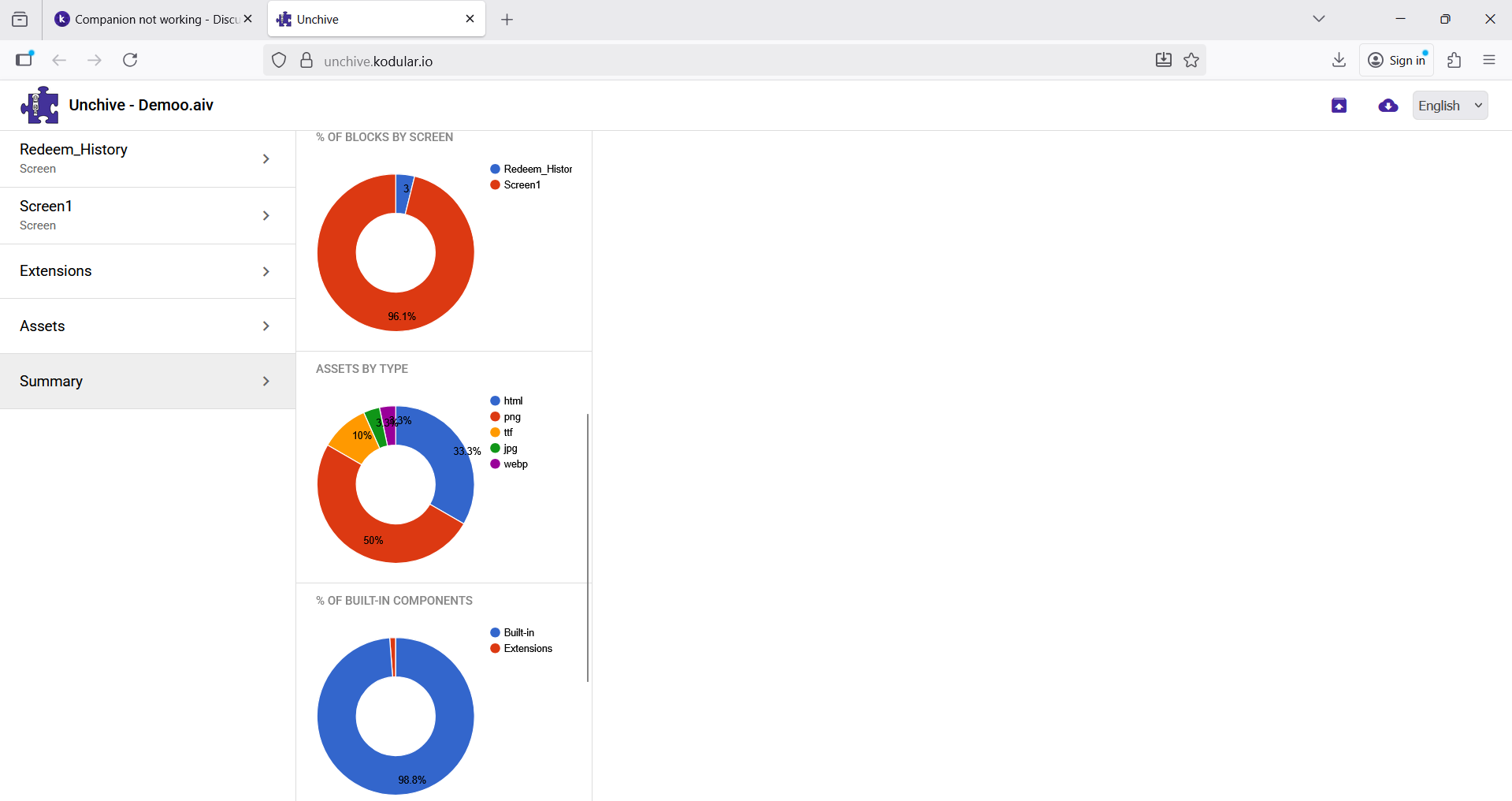
Could you upload the project to Unchive and show us the results?
Maybe you have some component causing this error.
Or, if it’s not a problem, share the AIA file here so we can directly check what’s wrong.


Remove any blocks from screen1intiallize block
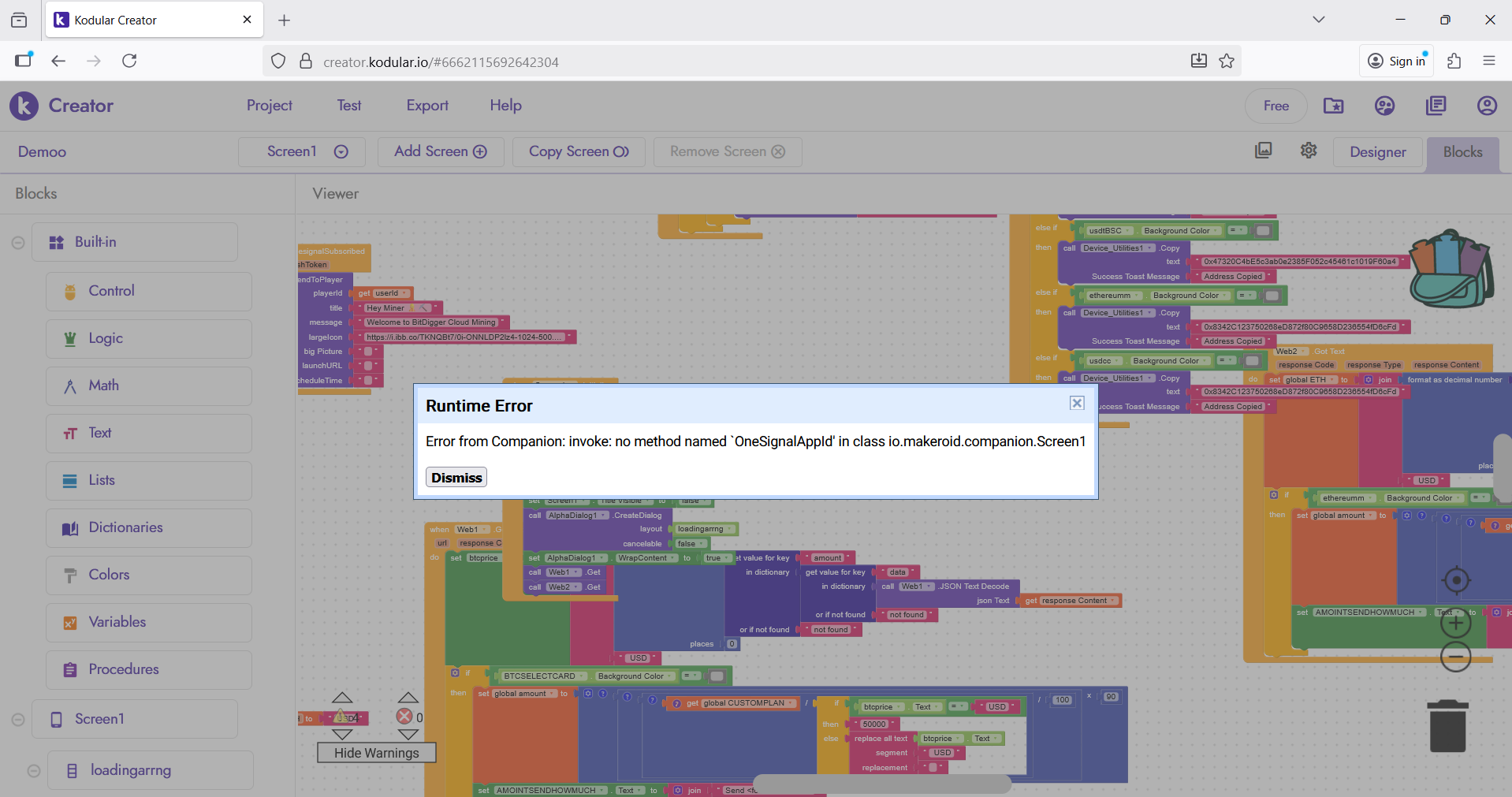

You’re using OneSignal component, try removing it, or add it’s id, also it will not work in companion
already tried same issue.
It must be one of your component is missing, also you summary show that your app have 2 screens but how are handling 32 image in two screen?
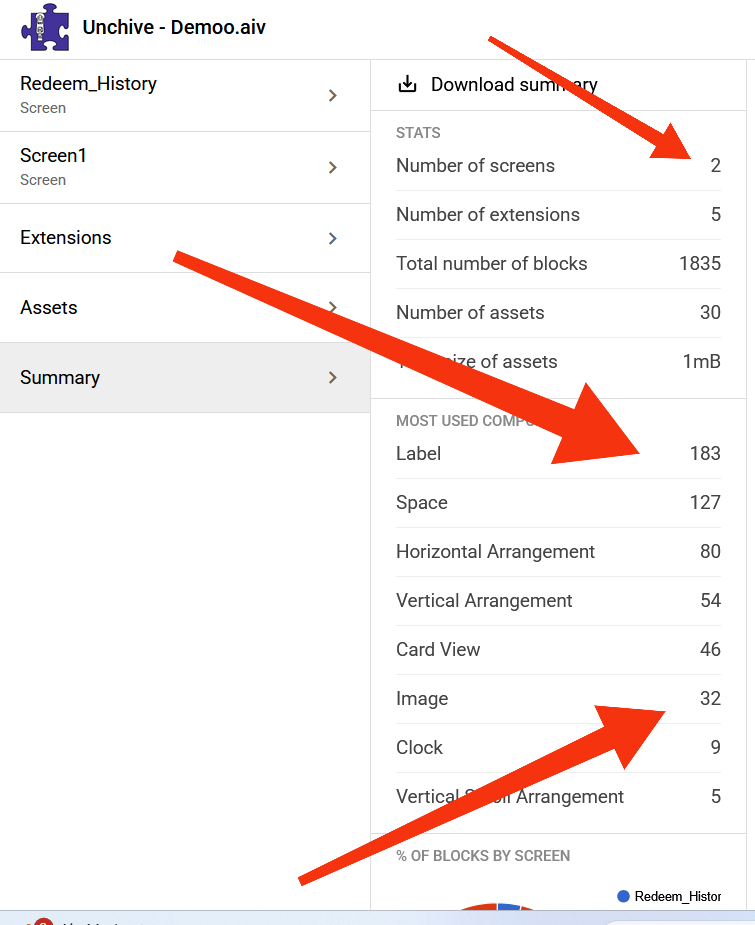
If you don’t mind pm me with your aia, I can help you, just remove the sensitive information
Do you have clock component that is enabled by default?
Yes i have clock enabled by default , used for a splash screen.
You’re calling splash screen using procedure?
Hi dear, did you change the title of the post?
Anyway, apply-to-arg indicates that there’s some procedure or block with an error.
No, not via procedure
Yes, I changed the post title, but it was working fine before the update.
How are you handling it? since the clock is set enabled by default it will fires something, can you provide your blocks?