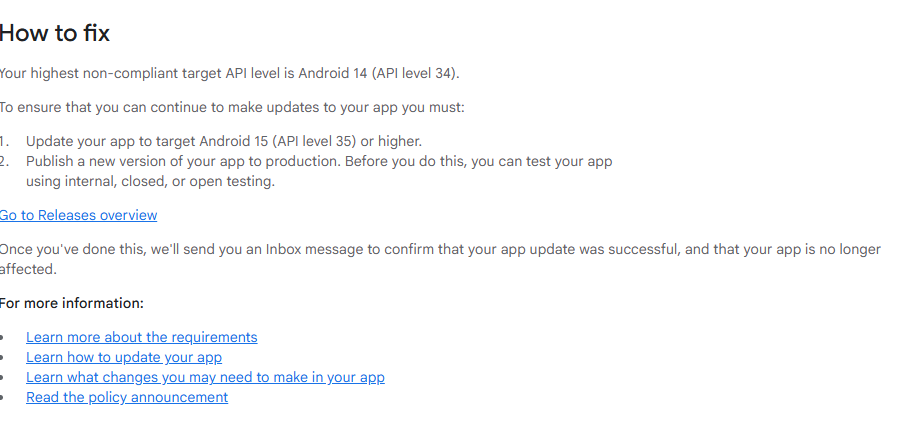
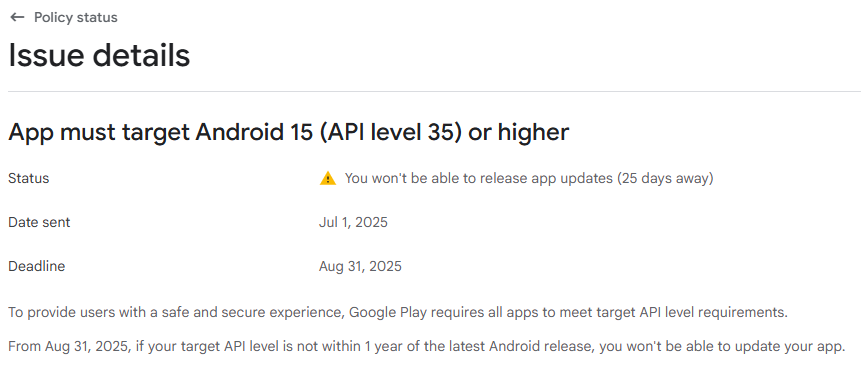
this message from play store.
- Update your app to target Android 15 (API level 35) or higher.
- Publish a new version of your app to production. Before you do this, you can test your app using internal, closed, or open testing.
how to fix it???
this message from play store.
how to fix it???
when update is available you can start updating your apps !
I think, u can simple build the app, and its bydefault sat to latest sdk. Because sdk 35 is released in kodular.
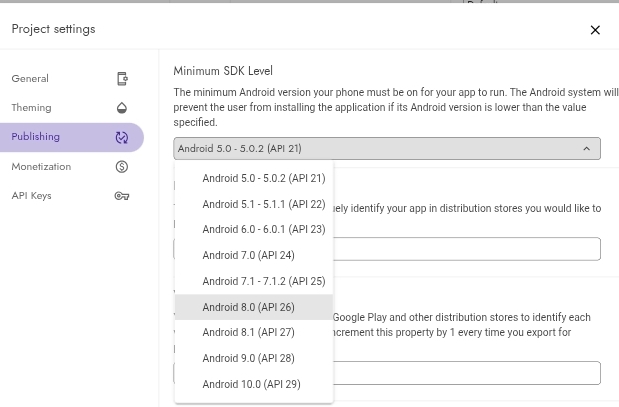
You are wrong, see also
Taifun
That screenshot is Minimum SDK Level, not Target SDK Level. You should not customize the Minimum SDK Level, or at least set it to the lowest value possible.
Target SDK is automatically set to the highest possible value already.