Wanna Make Extensions using Blocks
Continuition of: New Way to Make Extensions Using Blocks
Welcome Dear,
I am @Anand_Kumar1 now @Aman_Developer due to some technical issues I lost my @Anand_Kumar1 account.So, the pending project AI2 Extension Builder is now AI2 Extension Studio which is under progress.
Overview
- Visual editor that lets you design MIT App Inventor extensions with Blockly blocks and outputs production-ready Java for AI2 extensions (package/class templates, properties, methods, events, plus helpers: HTTP, JSON, lists, maps, files, timers, threading, base64, trig).
Key features
- Custom AI2 block categories (AI2 Extension, Logic, Math, Text, Lists, Maps/JSON, Network, Concurrency, Files/Encoding).
- Java generator that converts workspace into a ready .java file (downloadable).
- Workspace persistence (localStorage), import/export XML, and robust toolbox update logic.
Quick start (local)
- Prereqs: Node.js 18+, pnpm (recommended) or npm.
- In project root: pnpm install && pnpm dev (or npm install && npm run dev).
- Open the dev URL (default Vite port) and go to the Editor → Import XML (use the sample XML) → edit/export Java.
Screenshots
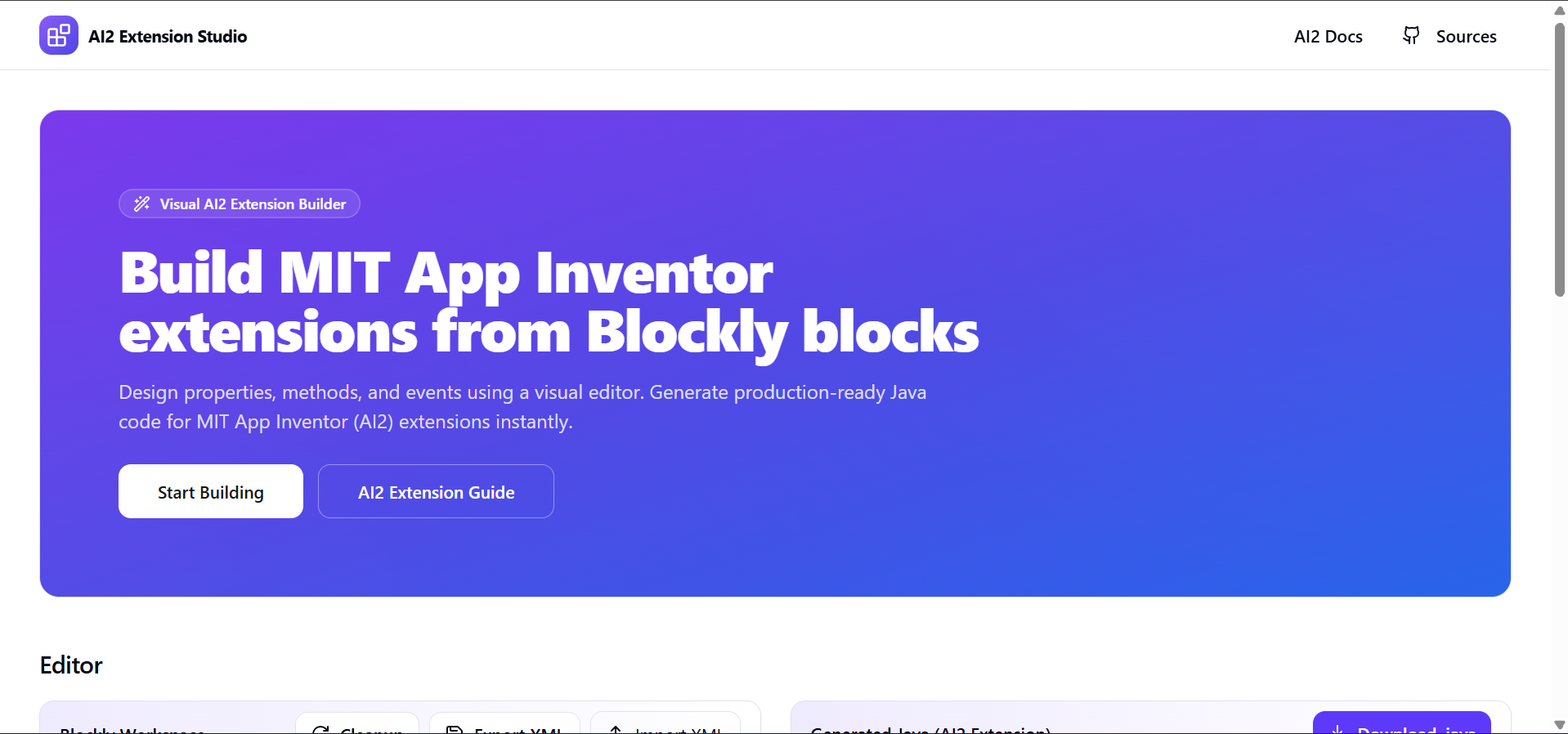
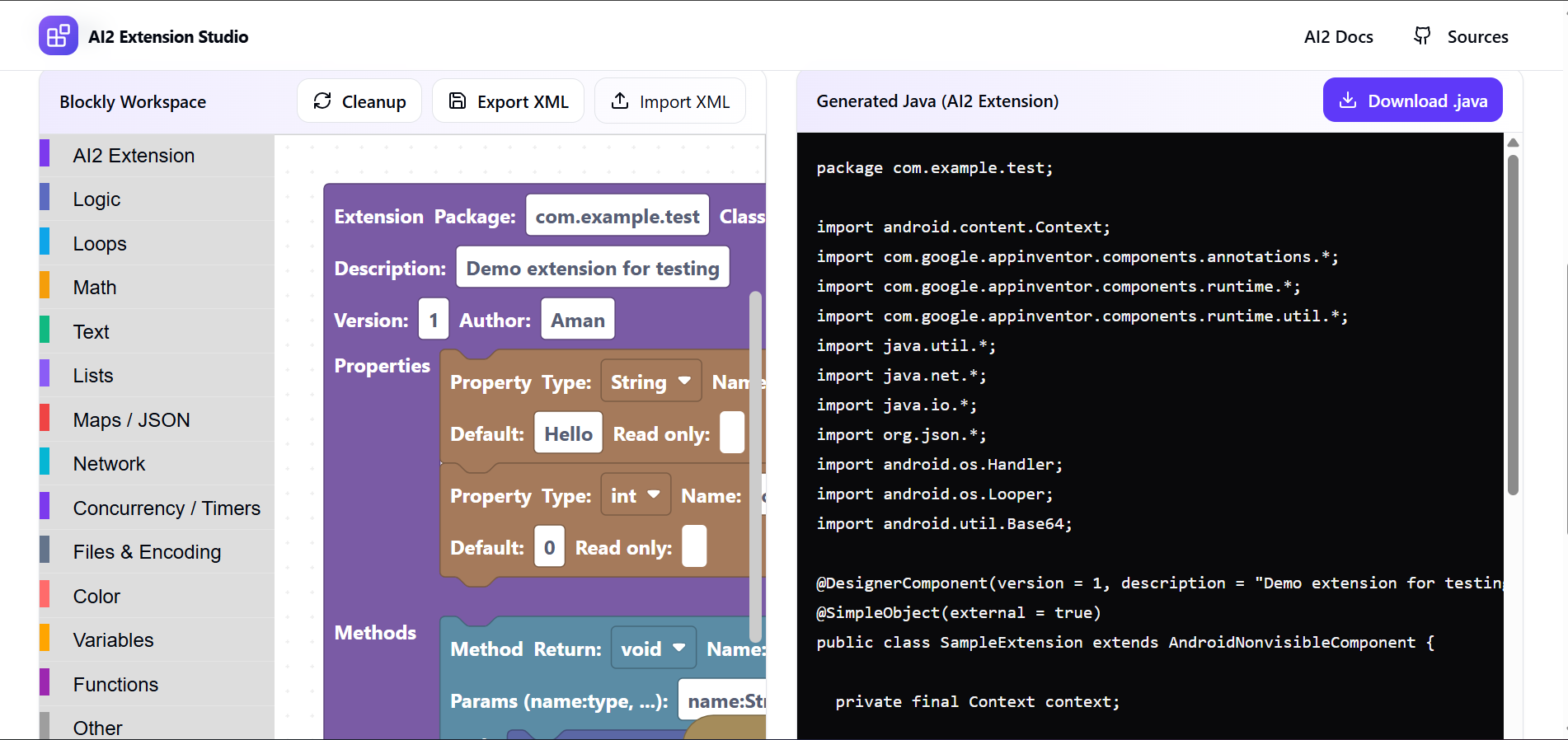
Fun Fact : It’s open source
I cannot afford hosting so:
- You Have to install zip & extract it
- Run cmd in root directory(AI2Studio)
- npm install && npm run dev
You are free to edit it’s sources and you will soon get sample xml files to import