Hello! I use Kodular only to generate the APK for a web application I created on a no-code platform. The problem is that Kodular is preventing users from attaching files. When I click “Send a photo,” nothing happens. However, if I open the app directly in the browser, it works normally and the app opens the device’s files, allowing me to send images.
I think it’s some permission I need to grant or something. Can anyone help me?
But i just wanted to let you know that I tried attaching files on several websites and was able to do it without any problems.
So, the issue might be in your code.
Sure,
I tried creating a site with Glide and added a file picker, I confirm the file uploads correctly. However, if the issue is related to a misconfiguration on Glide’s side, this wouldn’t be the right place to discuss it.
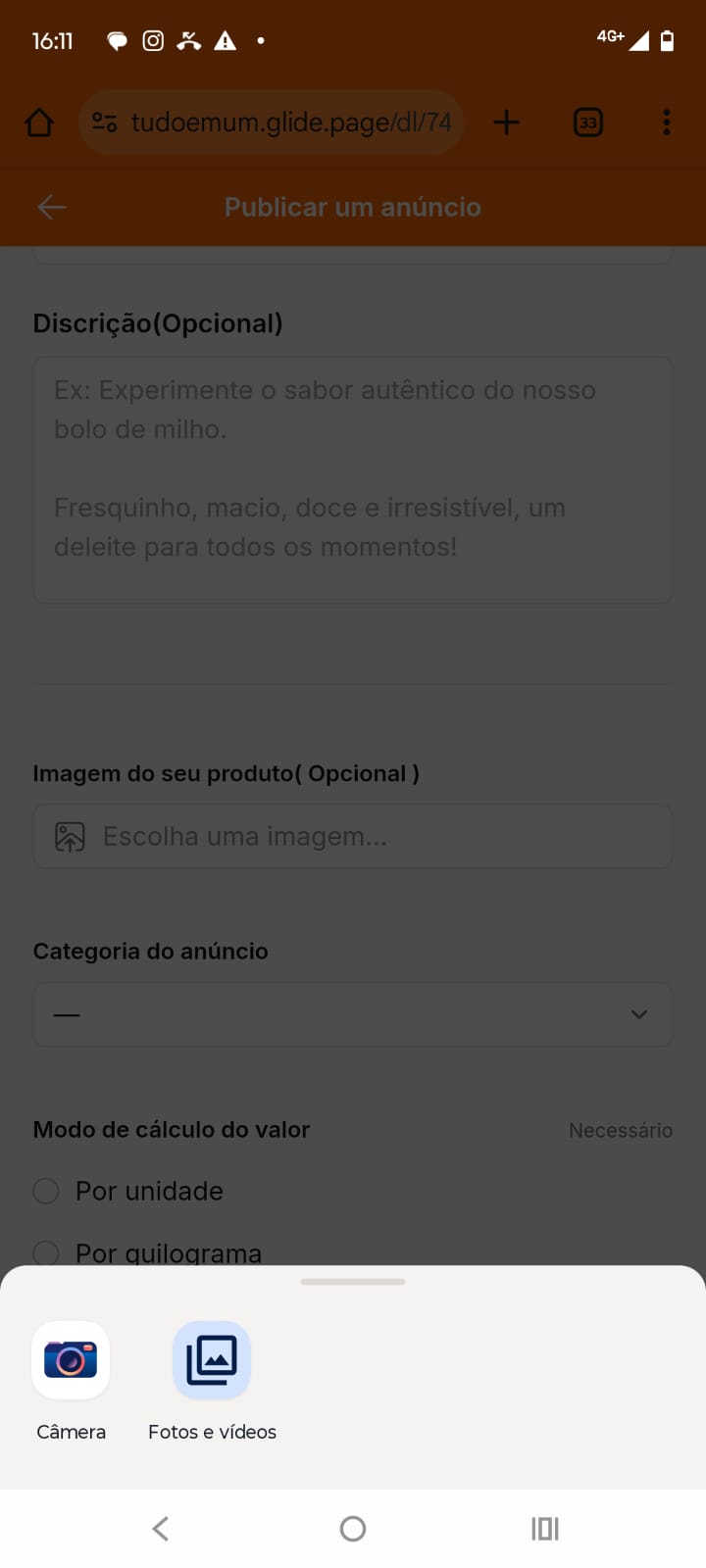
Thank you for your help, but I really don’t think the problem is with Glide. When I open the link in the browser, it works normally (as shown in screenshot 1), but when I open the same link through Kodular, it simply doesn’t work (screenshot 2 - Even clicking it several times doesn’t open the option to access files or the camera).
I just tested it on another device from another brand. But it’s still the same on both. I can open the device’s files normally through the browser, but when I try to open them through kodular, nothing happens.
Kodular apps need storage permissions to access files. Try adding the READ_EXTERNAL_STORAGE and WRITE_EXTERNAL_STORAGE permissions in your Kodular project. Also, use the “Ask For Permission” block at app startup. This should fix the file attachment issue.
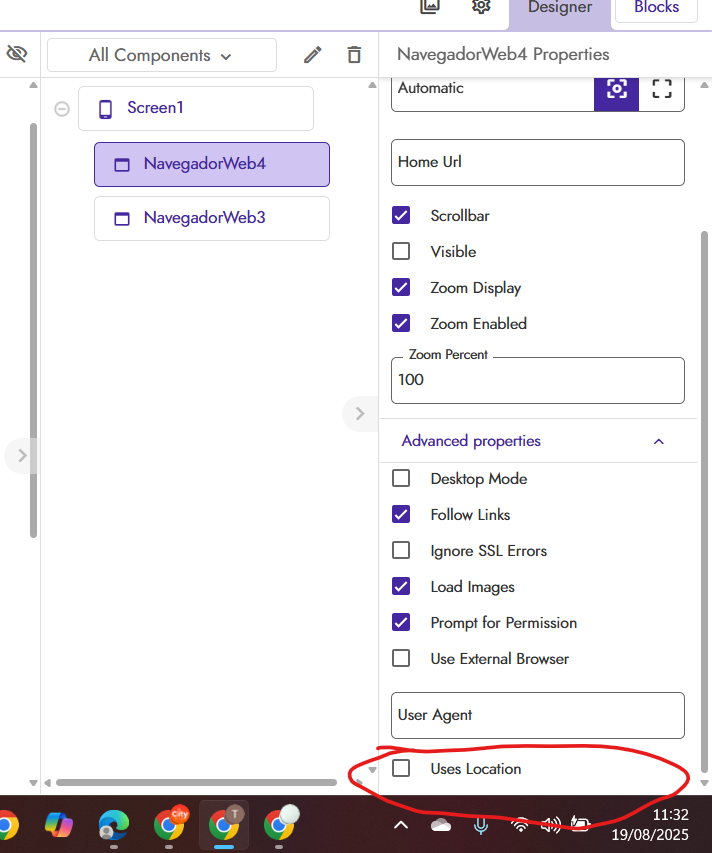
When I disable the “Use Location” option, the app can access the device’s files. However, if you have this option enabled, it can’t do both at the same time.