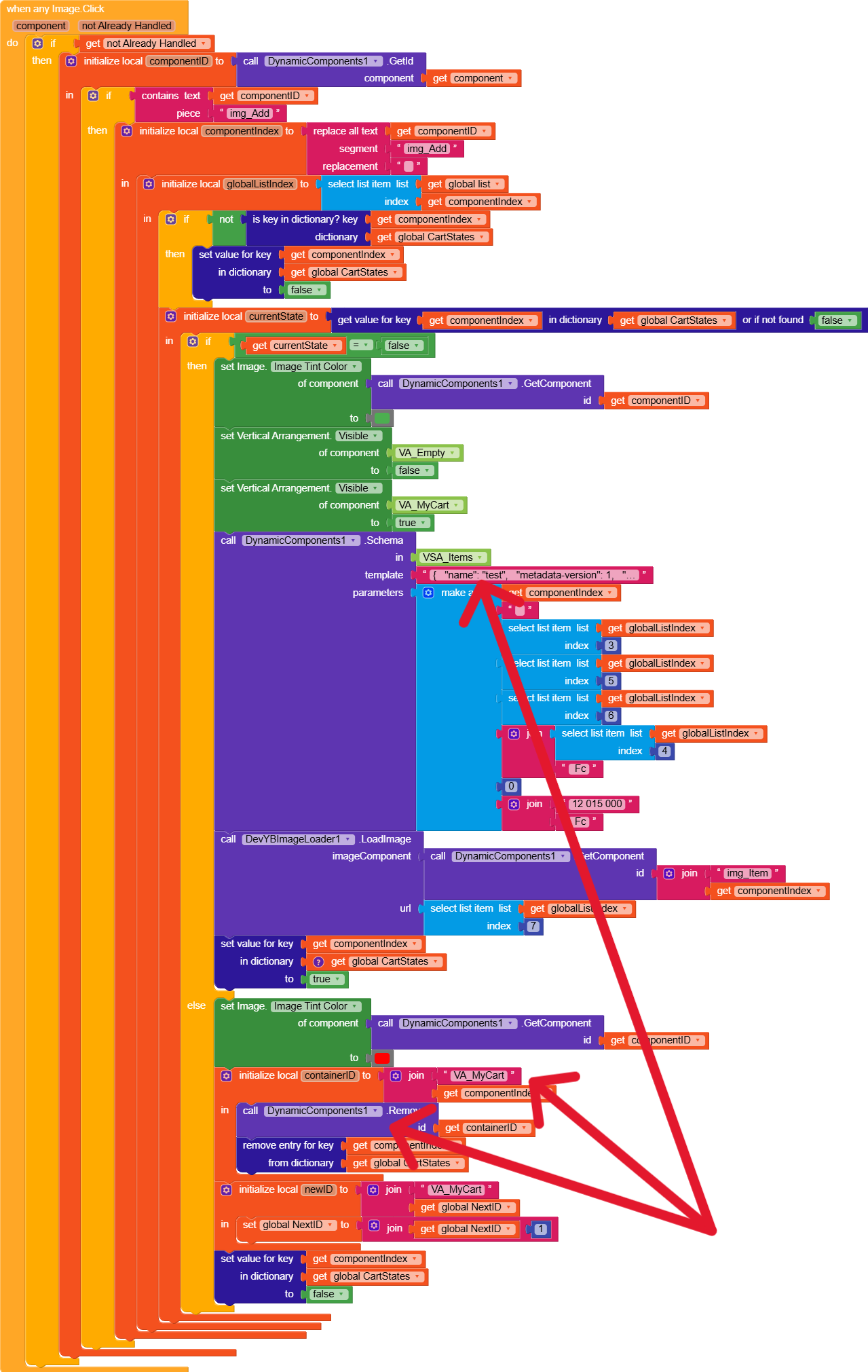
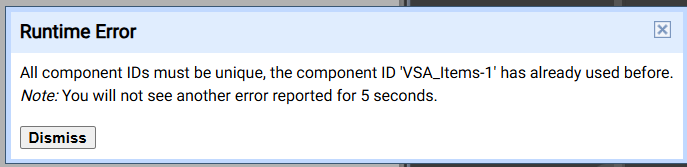
I tried to correct the error with the block:
Is it correct to use it to regenerate a new Schema?
How to avoid reusing a single same component ID after deleting creation?
I tried to correct the error with the block:
Is it correct to use it to regenerate a new Schema?
How to avoid reusing a single same component ID after deleting creation?
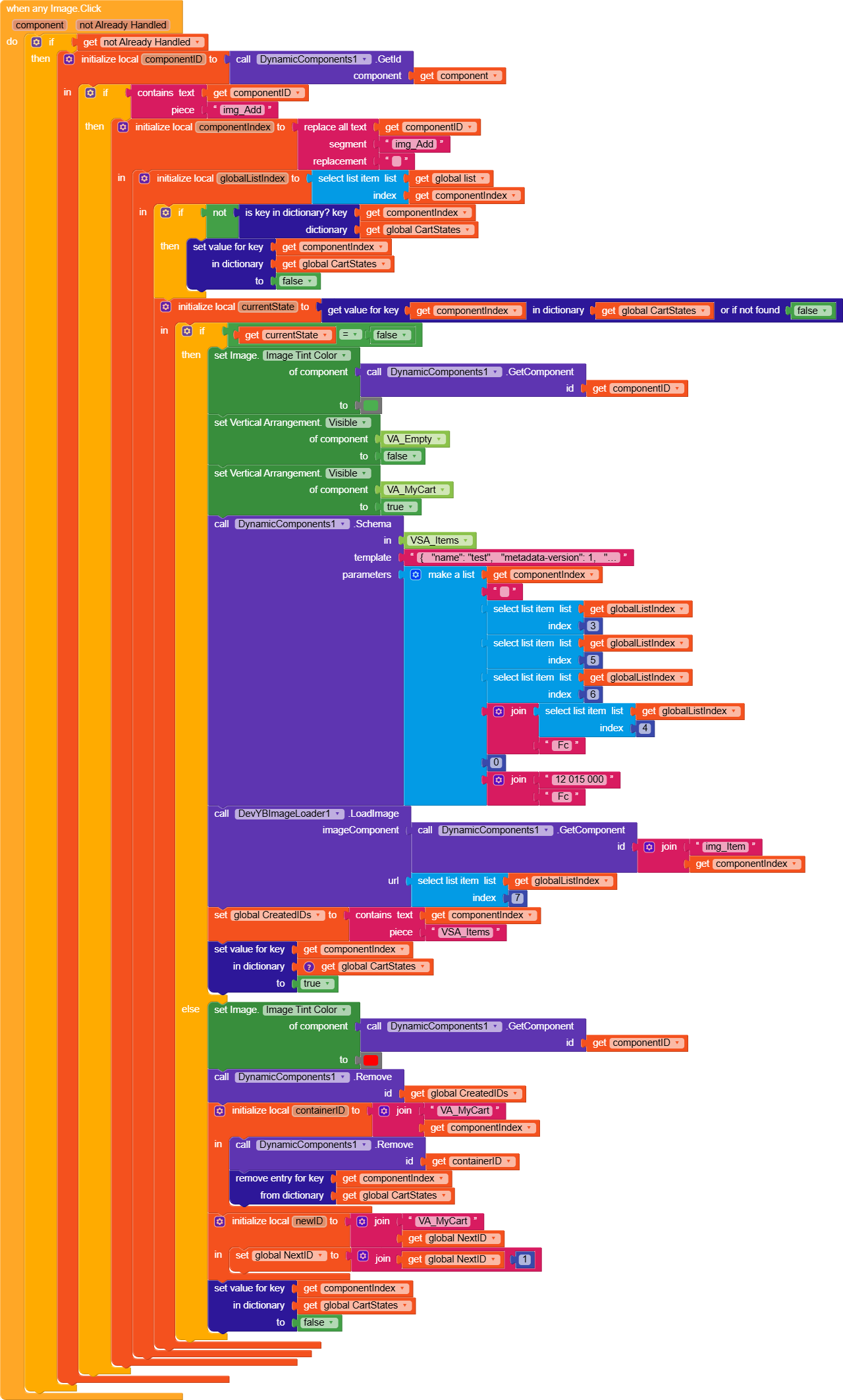
This is because when you deselect you are not removing the cart dynamic ids completely. Try to clear if the user deselect the item from the view
Instead of change id remove the id and try again
Precisely it deletes properly on the 1st deselect and the color is reset in red too but the ID of the components remains in memory which prevents any new action.
Whenever user selects an item after the generation of cart dynamic item, add the ids into a global variable. Once the user deselects remove those ids from the global ids, simple no more error
GreenValley_Store(1).aia (2.3 MB)
added dif logic which is tottaly different than you . test it
I love your approach it is more simplistic. I did not know that we could structure the Shema like that thank you for the lesson. 
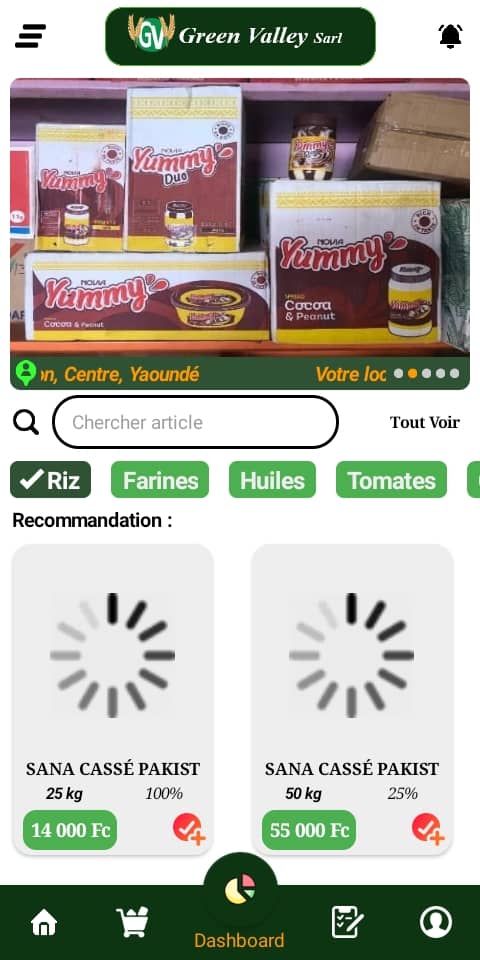
And now when I delete an article in my Cart by clicking here and comes back found that “img_Add” still has the green color in the place of red in selected mode because the product no longer exists in the Cart
Then set the image tint colour ti the img_add to green from red on that del clicked
Also i guess earlier this will be ur next q
Here’s how I took myself when I delete in the basket to part of the button “icoBin_item” to try to change the Tintcolor of the image “img_Add” in red
So I was so predictable? 
GValley_Store (1).aia (2.3 MB)
First compile and you will see that the images are no longer displayed
Hello
By compiling the application I realized that the images no longer change as before with this new solution.
But it works with Companion
Have you used my suggestion?
nope. I am getting this error on clicking the add to cart. You have not used the text box id
This must be the error on my attempt to carry out a dynamic calculation of the total sub -of the articles. Desolé I sent the bad file
i worked on my previous suggested file now i have fixed the issue that if user deleted item from cart then from the drawer also colour change from green to red also check this missing place
Thanks for the reminder. I had replaced the “VSA_Panier” by “VA_Panier” after remove it
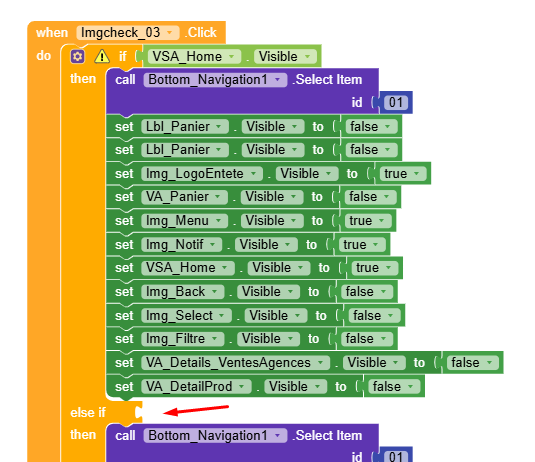
Master, I noticed that the problem of the release of IDS is still repeated on this side of the code when deleting the color change works well but by still wanting to add the same article you will notice this error.
You ridicule me Master, where I formed a large blocks of code accompanied by the errors that go with it.
You do it in the only functional block 
You are really excellent 
When do this error triggers in which screen? i didnt get it anywhere? pls tell me action
This error is triggered in terms of screen and when you add for the 1st time in the “img_Add” basket then in VA_Panier you click on the “icoBin_Item-” button.
Return to the new one, you will observe that the color has changed as it should be but when you still repeat the action “img_Add” you have this IDs error
GreenValley_StoreV3.aia (2.3 MB)
Fixed.
You have started with one query but still it is counting 
Now i can click any number of times add items, and remove it from cart, then again add