Hi dear,
Welcome to the Kodular community!
I need help to connect my website to Kodular through WordPress. Can someone help me please?
First of all, I’d ask you to explain in detail what you’re trying to achieve, “connect” is a bit too generic 
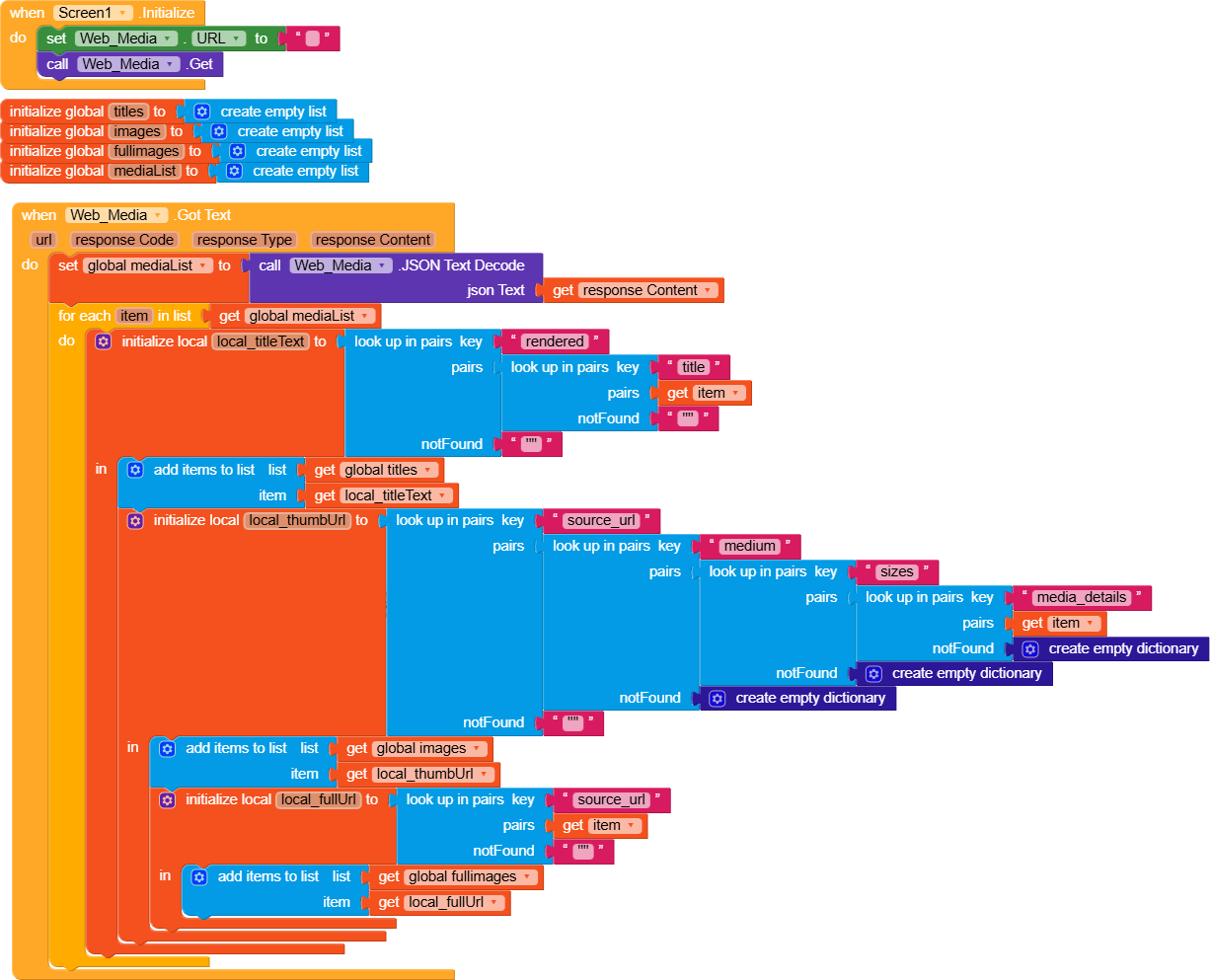
I see that you are already getting some data and, for each element, you are inserting the data into different lists.
Have you encountered any issues when manipulating the data?
Also, I would suggest using a dictionary directly and taking advantage of “list by walking keypath.”
i have wallpapers on my website and i have created this site with WordPress and i want to connect WordPress JSON to Kodular app. also sending new image of wallpapers.
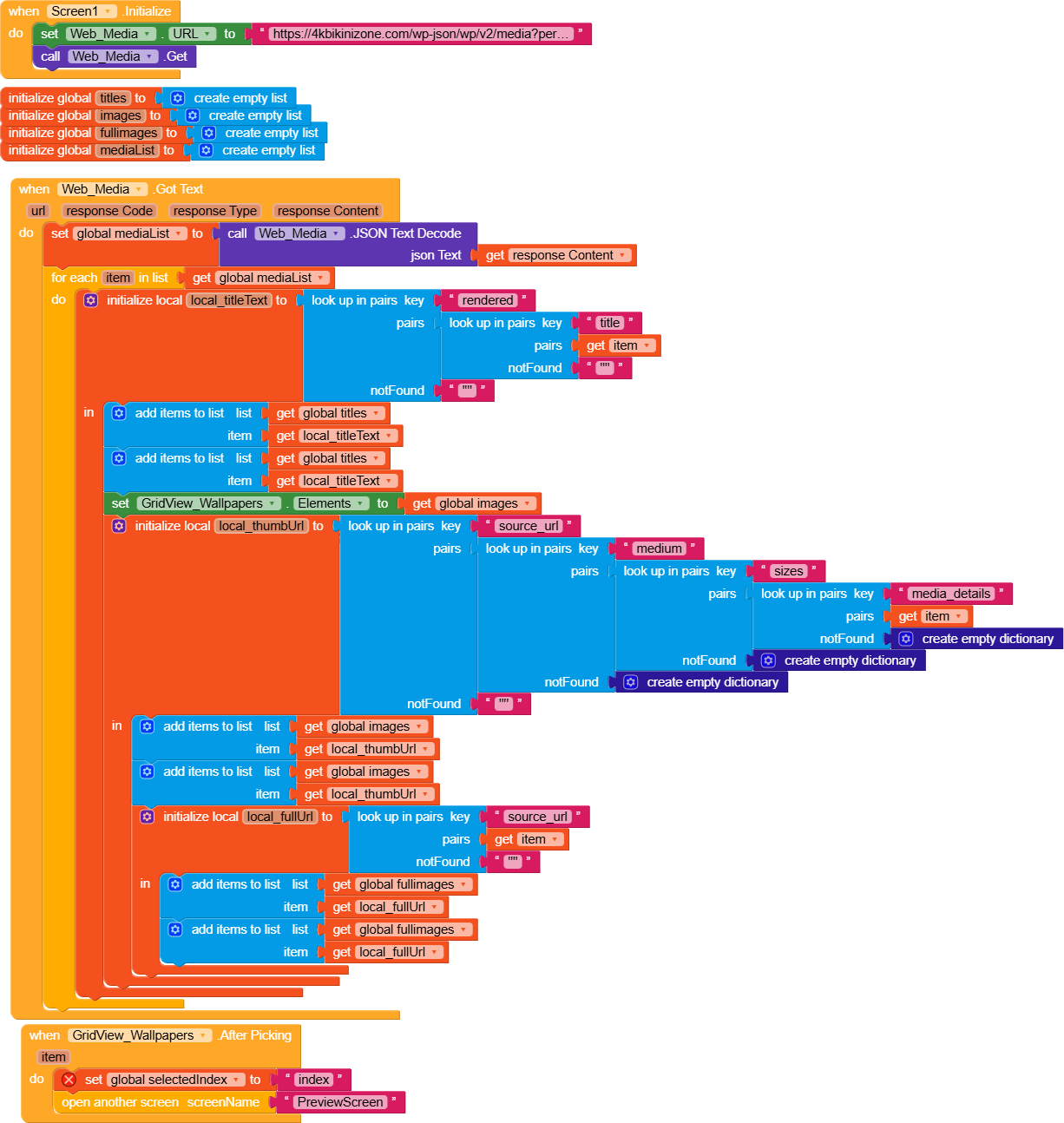
For data manipulation, it would be helpful if you posted here the JSON response you receive, so we can help you better
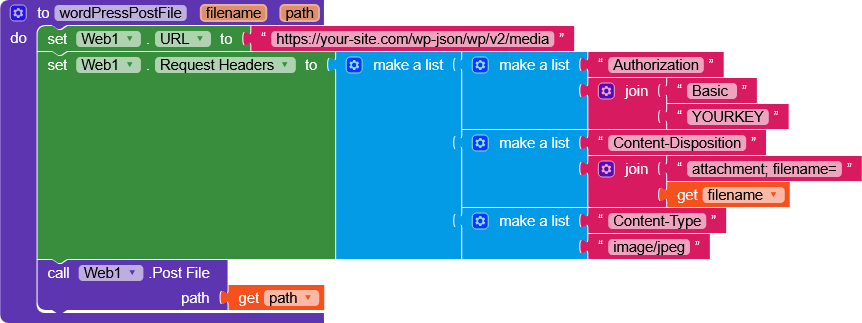
As for sending the data, by following the documentation you found online, you should create a request like this
curl --request POST https://your-site.com/wp-json/wp/v2/media \
--header "Authorization: Basic YWRtaW46cGFzc3dvcmQ=" \
--header "Content-Disposition: attachment; filename=example.jpg" \
--header "Content-Type: image/jpeg" \
--data-binary "@/path/to/image.jpg"
Which, in blocks, becomes like this
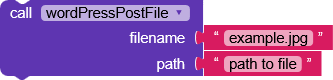
I have no way to test it because I don’t use WordPress, let me know if you get any errors.
hi, can you please make a new app with my requirements and send aab to me please, then i will add my JSON link,
I simply searched for how to perform an upload to WordPress using REST API / cURL, and there are tons of examples showing how to do it.
It would be much better if you tried it yourself, we don’t encourage this way of doing.
Alternatively, you can move the topic to Marketplace and hire someone to do it for you.
If it can help you, you can use one of these sites to convert the cURL text into blocks.
or
this is my link
https://4kbikiniwallpaper.com/wp-json/wp/v2/media?per_page=10
I see that the JSON you receive is very complex and contains a lot of data.
It’s a list of dictionaries, where each element contains many parameters.
The first step, as you’ve already done, is to call the Web component with the URL you provided.
In Web.GotText you will receive the JSON text (which, for convenience, I’d suggest converting into a dictionary)
After doing this, you’ll be able to access all parts of the dictionary mainly by using getValueAtKeyPath.
I strongly recommend studying how dictionaries work,
and I’ll leave you an example that, using RecyclerList, shows images by creating Image components, and when you click on them it returns their “title”.

Hi,
It required any A 12-character Akismet API key , If you send for testing I’ll help you out in connecting with Kodular.
It’ll be paid as i have to develop extension for it.
You can see a demo here, in this app I’m geting data from JSON: https://play.google.com/store/apps/details?id=com.twinkthakur18.HD_Wallpapers