Hello Kodular Community,
I am facing a very frustrating AdMob issue and I need your expert advice.
Here is my problem:
- When I use Test Ad IDs, my Banner and Interstitial ads work perfectly (both in Companion and as a built APK).
- When I change to my Real Ad IDs, the ads do not show at all (0% fill rate).
- My app is already published on the Google Play Store, and the ads still do not show when I download it from there.
What I have already done (My Checklist):
I am certain that my setup is correct, and my AdMob account is in good standing. - AdMob Account: I am 100% sure my AdMob account is NOT limited. I have no policy warnings, and ad serving is enabled.
- App Verification: My app is VERIFIED in my AdMob account (it is linked to the Google Play Store).
- app-ads.txt: My app-ads.txt file is correctly set up, verified, and AdMob shows “Authorized”.
- IDs: I have double-checked all my IDs:
- My AdMob App ID (with the ~ symbol) is correct in the Kodular Project Settings.
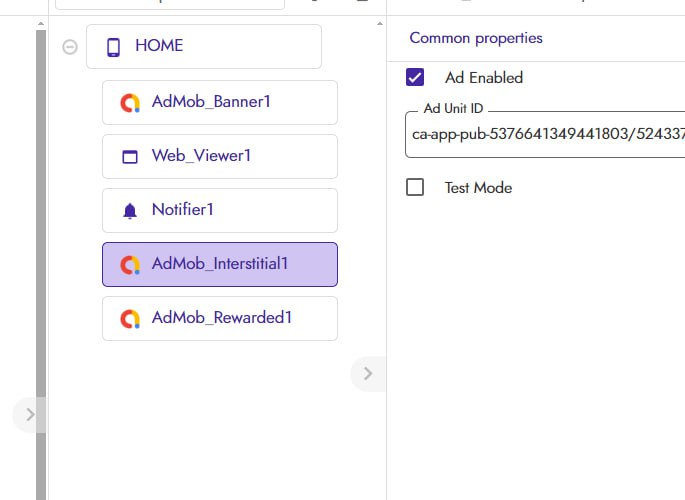
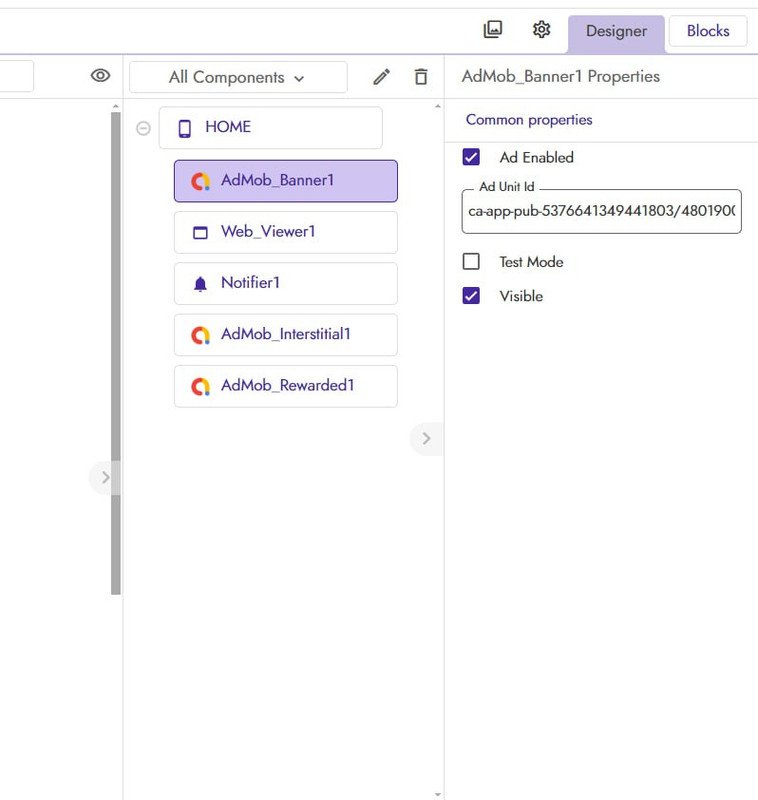
- My Ad Unit IDs (with the / symbol) are correct for the Banner and Interstitial components.
Since Test Ads work, my blocks and technical setup seem correct. Since my AdMob account is verified, not limited, and linked to the Play Store, my policy setup also seems correct.
Can you please tell me the exact, official method for implementing AdMob (Banner & Interstitial) that guarantees Real Ads will show? Am I missing a new step?
Thank you for your help.