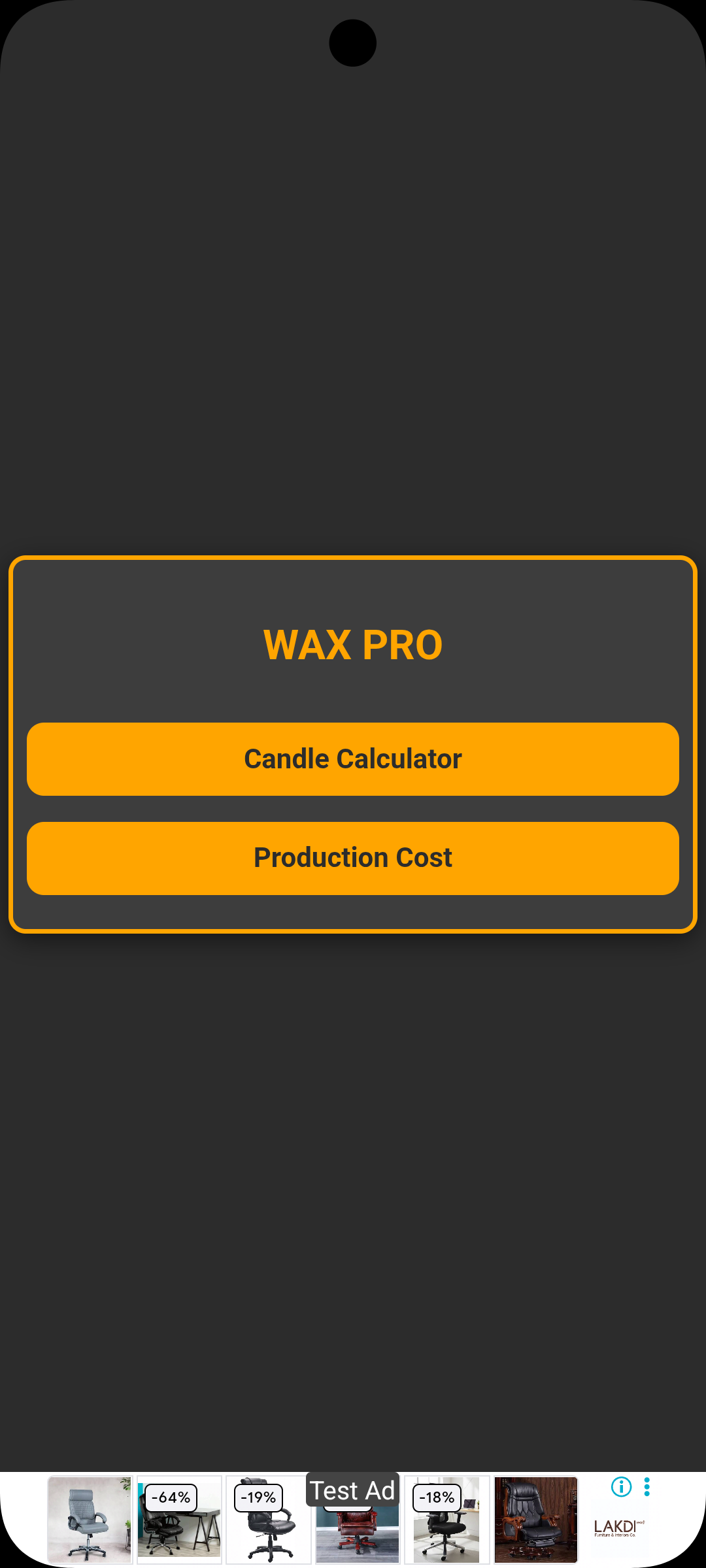
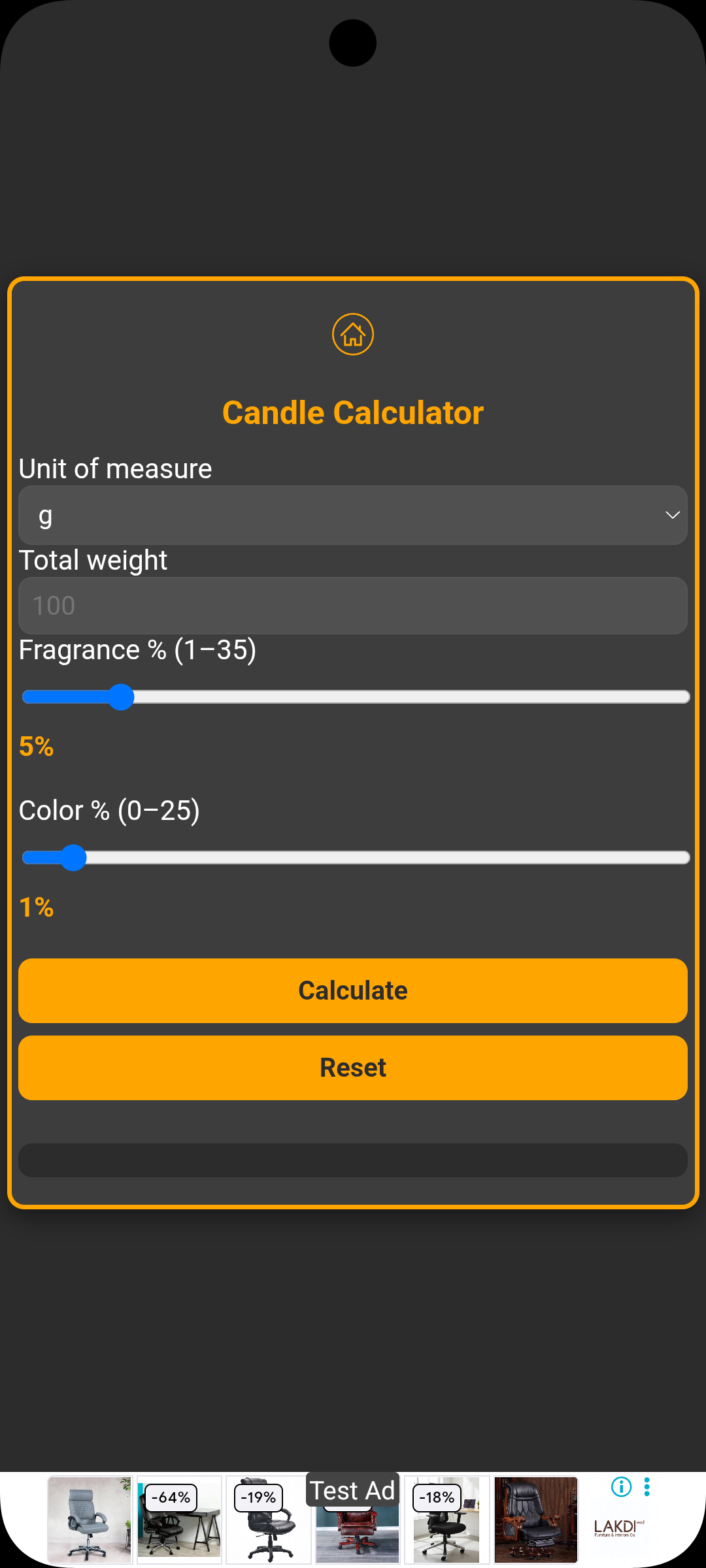
Hi everyone, I’m new and need help because the banner isn’t appearing in my app.
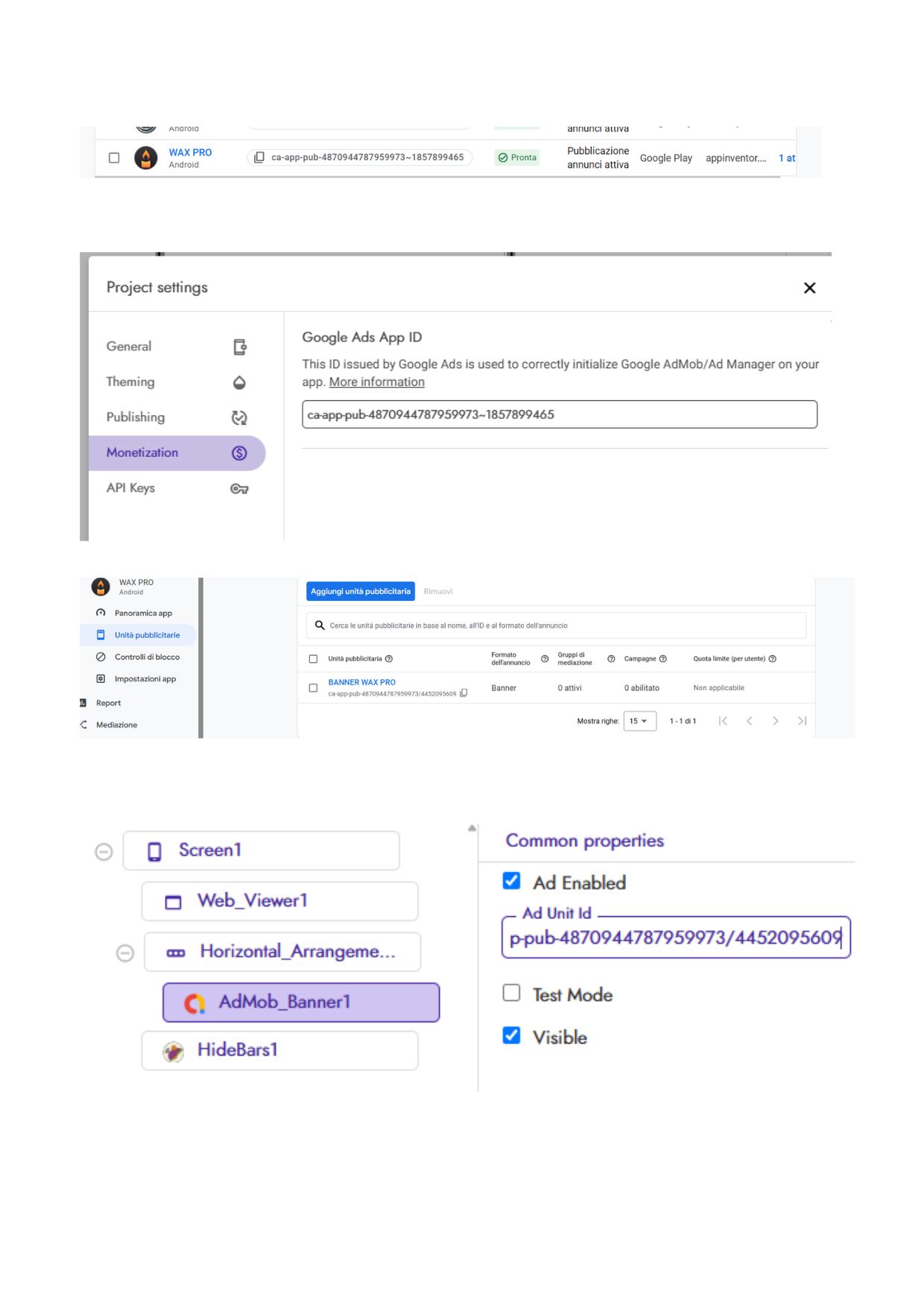
Admob configured correctly
App already published and authorized
The banner appears in test mode
I paid the advertising fee in Kodular
I configured the txt file with both the Admob and Kodula resale codes
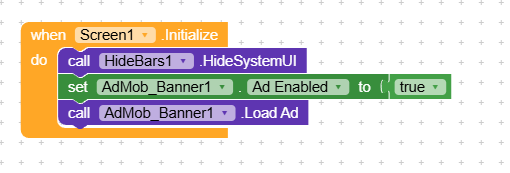
I think the problem is the blocks. If anyone can point me to the problem or direct me to a post, because I haven’t found a solution among all the posts I’ve read, thank you for your understanding.
Andrea
I’m new to Kodular because I was introduced to it three years ago, but I abandoned the project because I didn’t think it was suitable for my needs at the time. The project now seems mature, and I’d like to develop it further. I apologize if I gave the wrong impression. Thanks.
Yes, I entered the data both here and in the banner. The app is published and approved, and AdMob has also approved the banner. It works in test mode. Are the blocks correct?
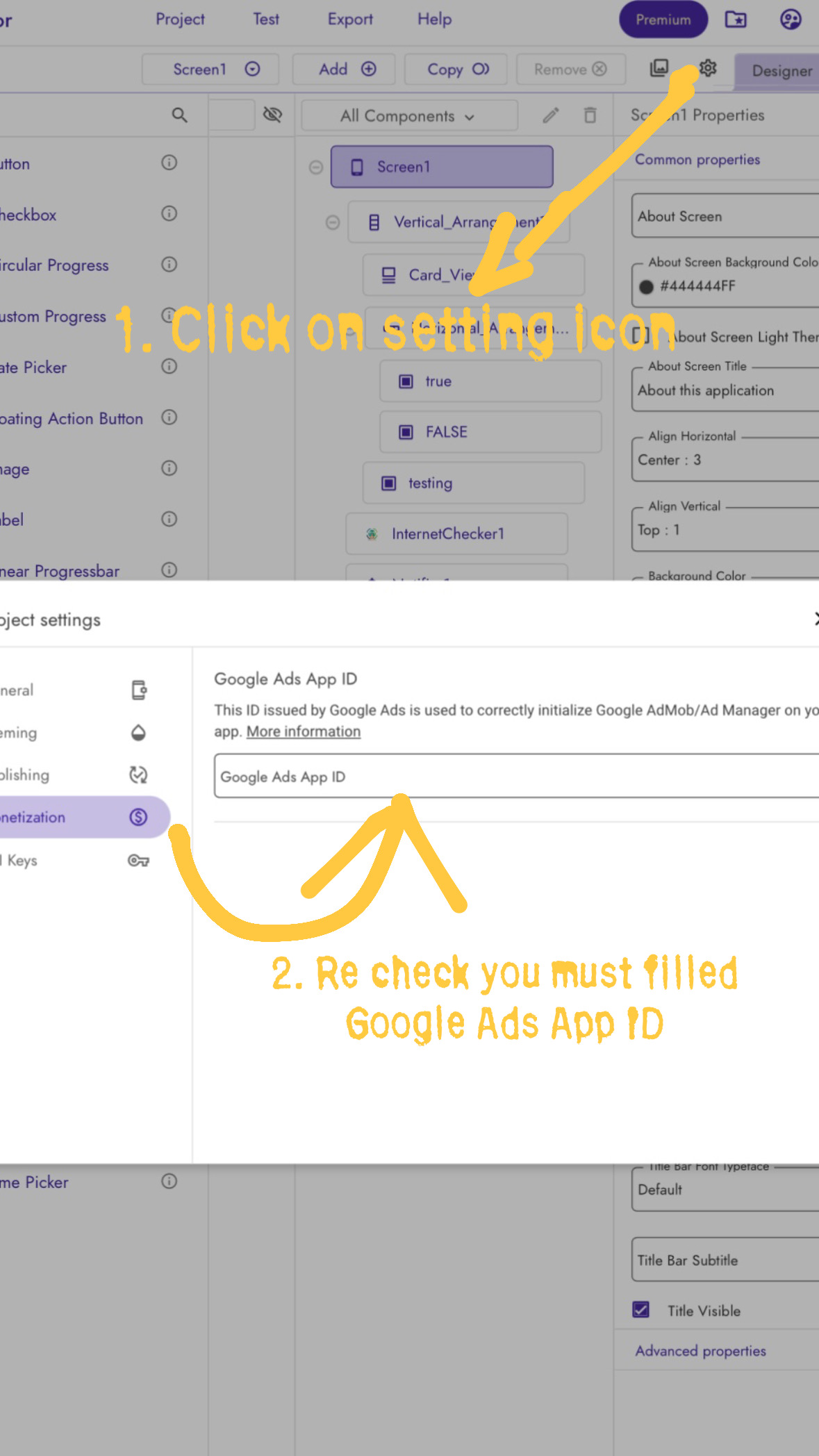
Yes block is correct You might filling APP ID and Ads ID wrong way, Please recheck If You’re comfortable you can send Both APP ID and APP ID Screenshot, later you create new Ads.
Everything looks perfect — the ads are supposed to be visible to other users. If you’re checking on your own device, it’s normal that you may still see test ads.
Please review your app screenshots and ensure that Test Mode is disabled before publishing. If the current version was uploaded with Test Mode enabled, simply disable it and republish the updated version. Once done, ads will display correctly to your users.