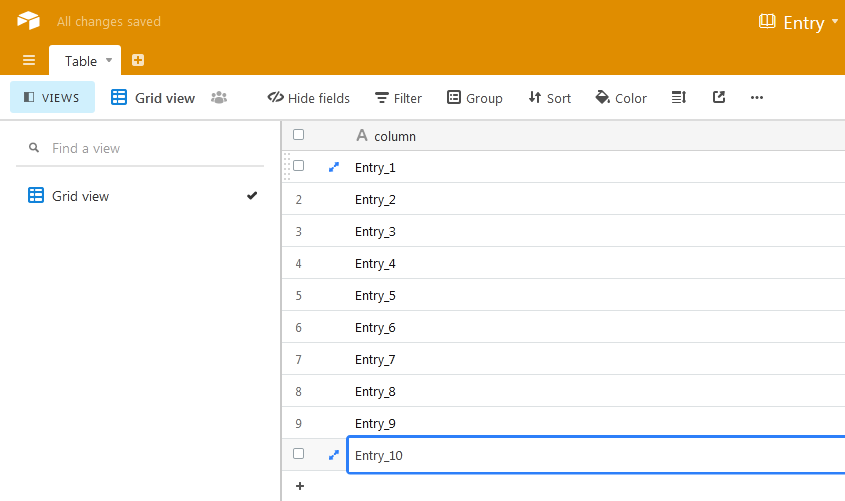
hello friends i want to show all entries of a specific column ( Airtable Spreadsheet ) one by one after specific time (minute / seconds) and i also want to loop it, One it reaches last entry it should start from first entry but i have no idea how do i implement this.
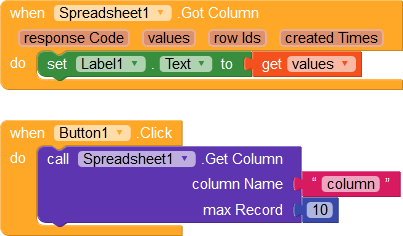
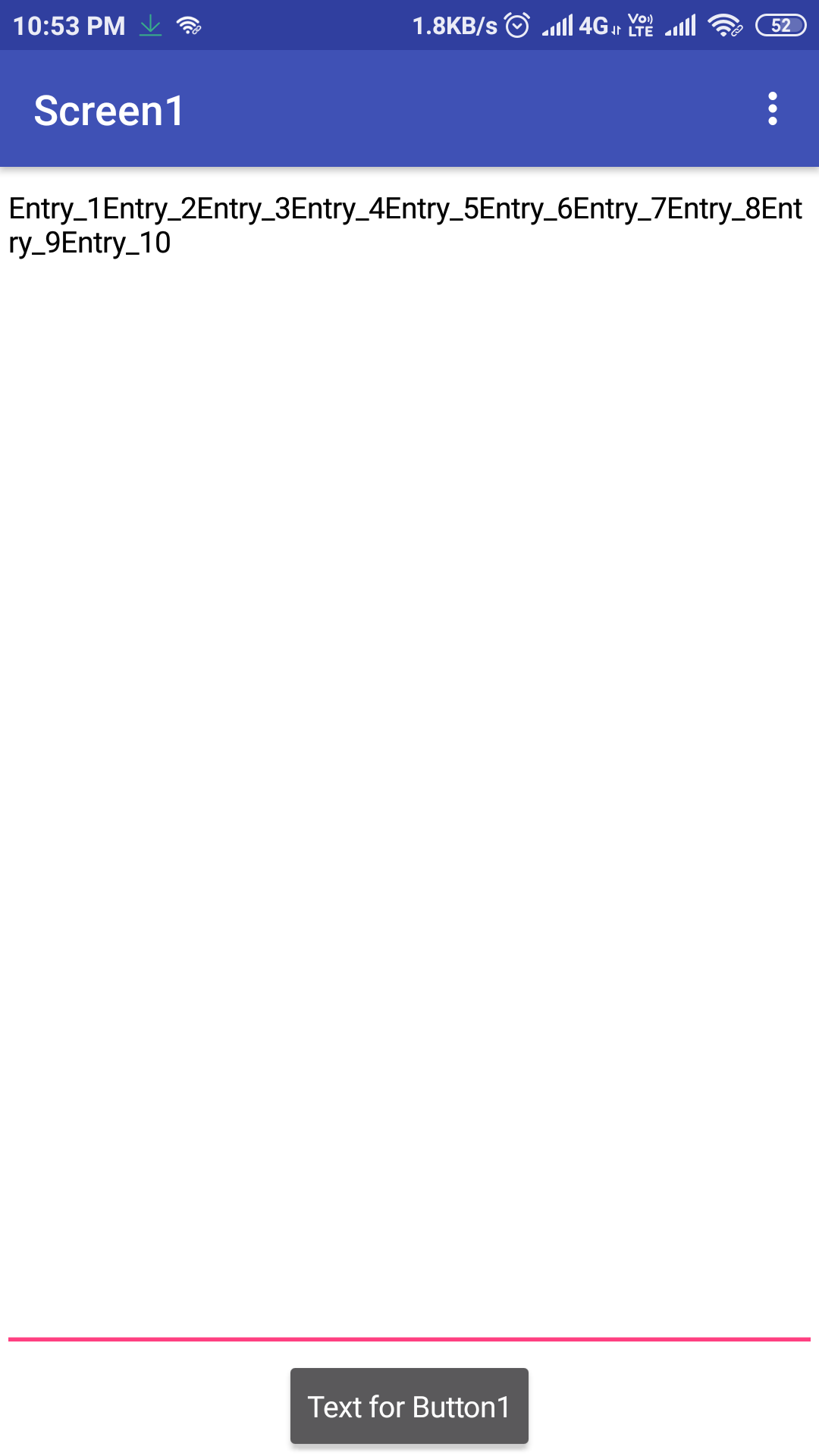
this below show all entries at once:
ADDYLIN
August 25, 2020, 7:33am
2
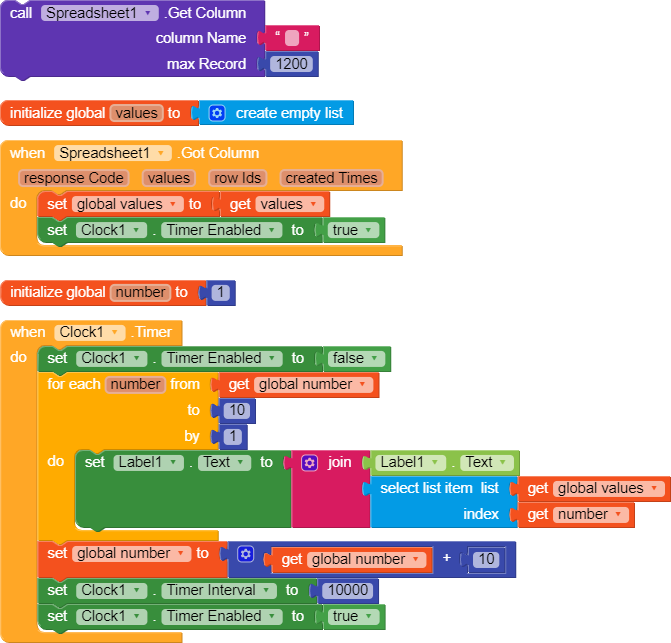
When Screen Initialise Call the whole Column Data.
Use a Clock set it’s interval to the Desired delay after which you want to show more entries.
3 Likes
i tried this now how i use clock to show entry (value) one by one
ADDYLIN
August 25, 2020, 8:43am
4
From Designer Screen Clock interval is set to 0.
Then using Blocks interval is set to 10 Seconds.
So, After Every 10 Seconds.
You can Change them Accordingly.
1 Like
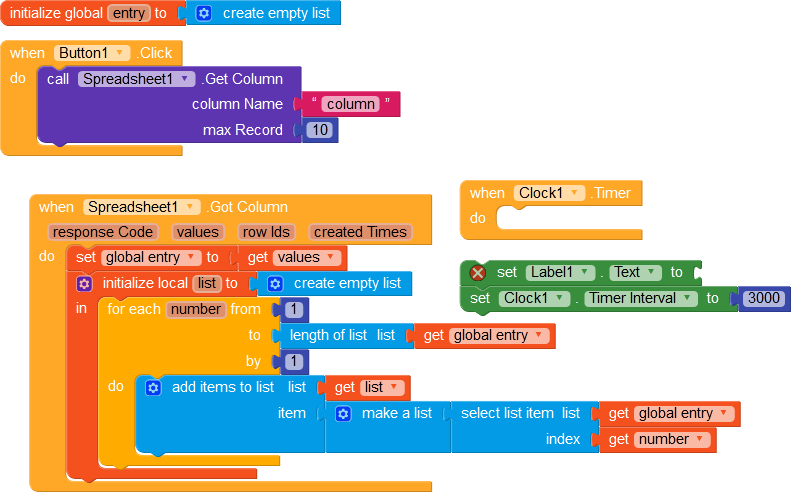
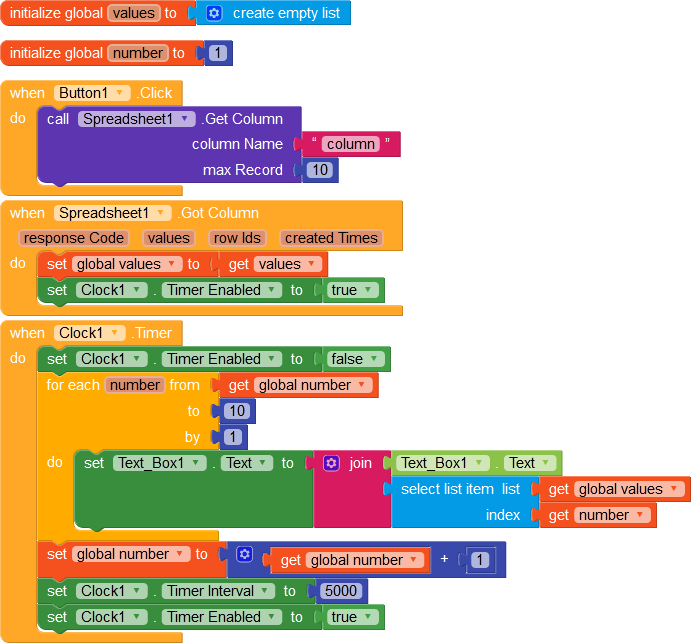
well thanks but i still need your help i copy your code blocks:
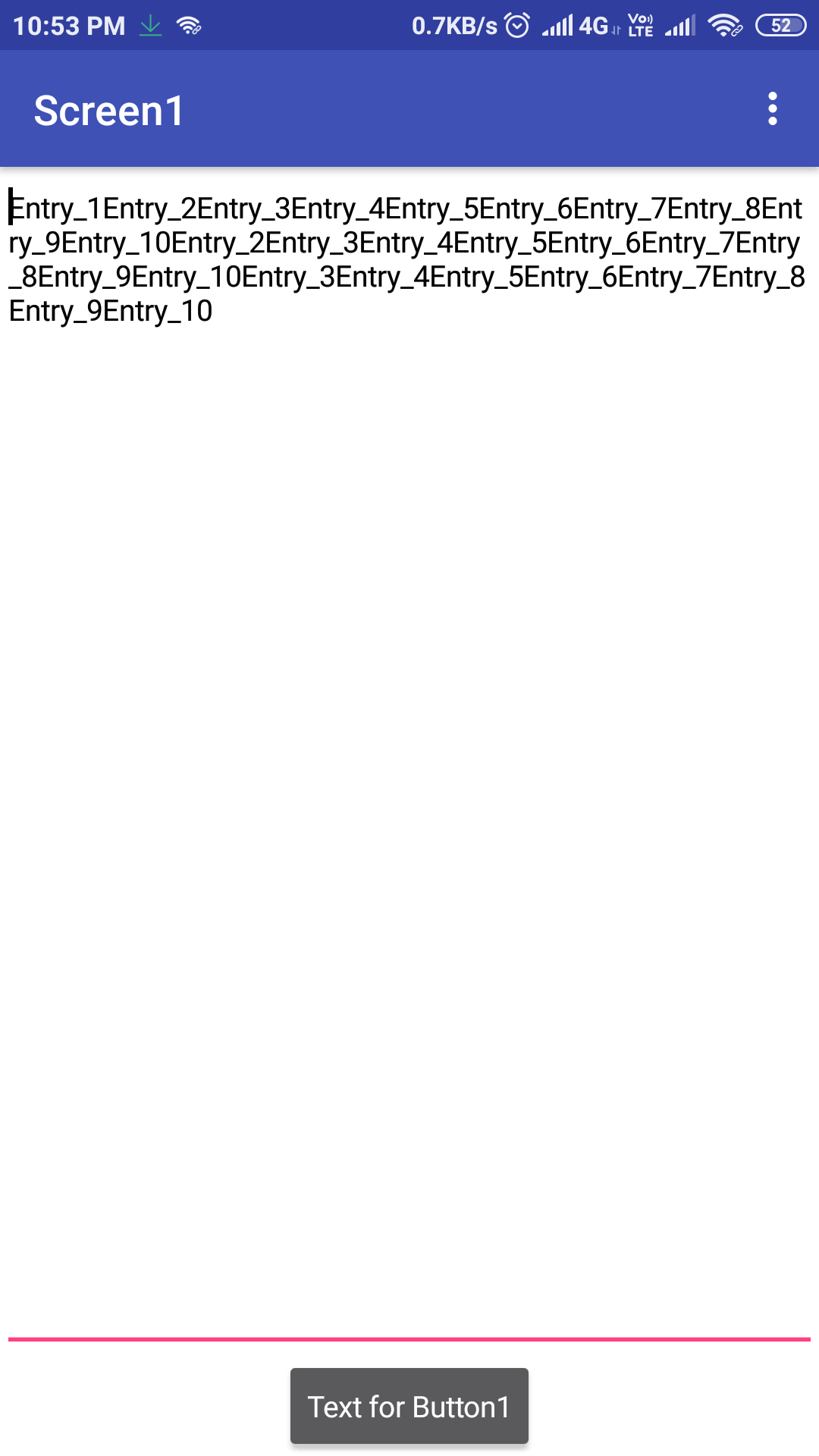
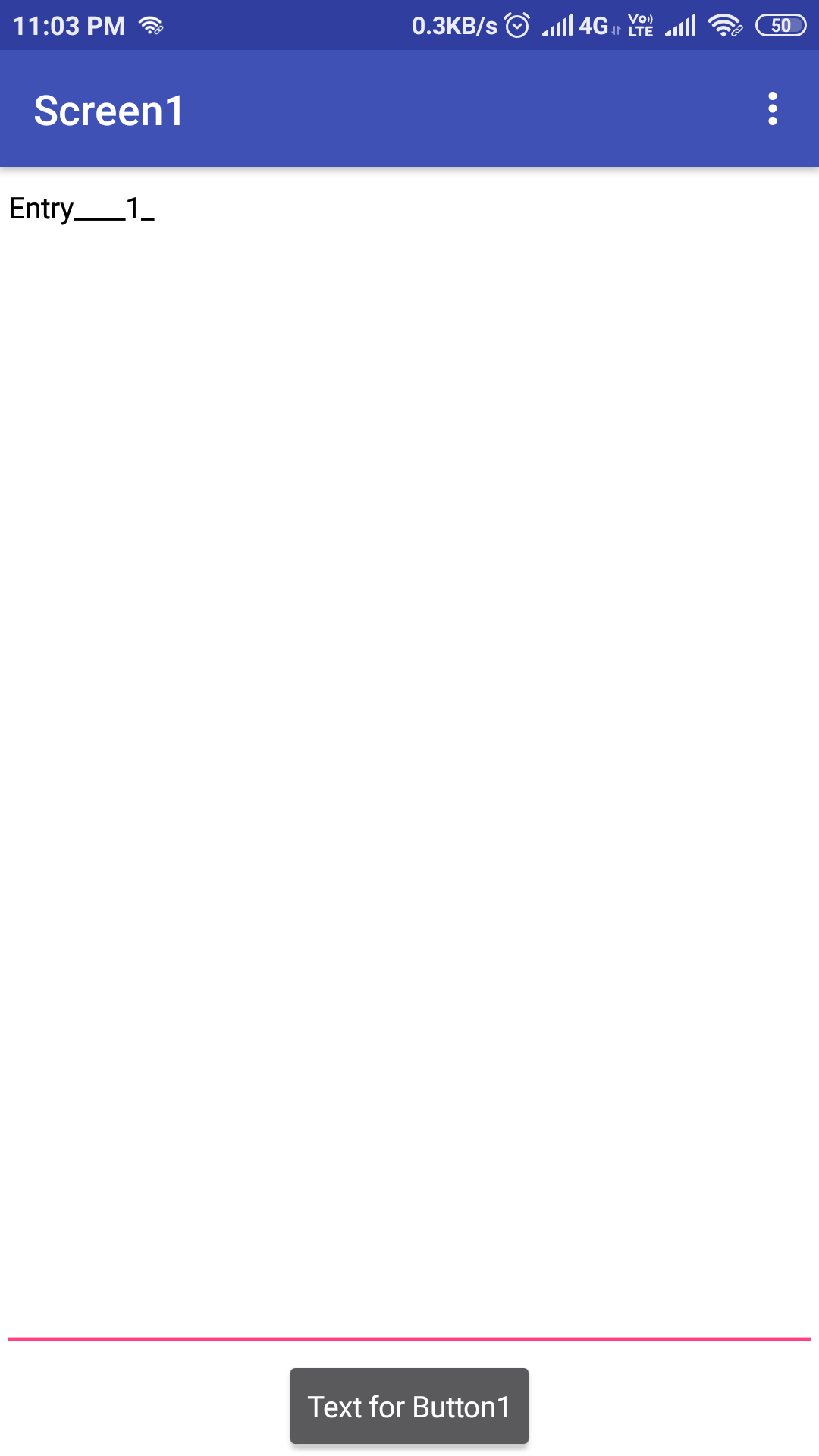
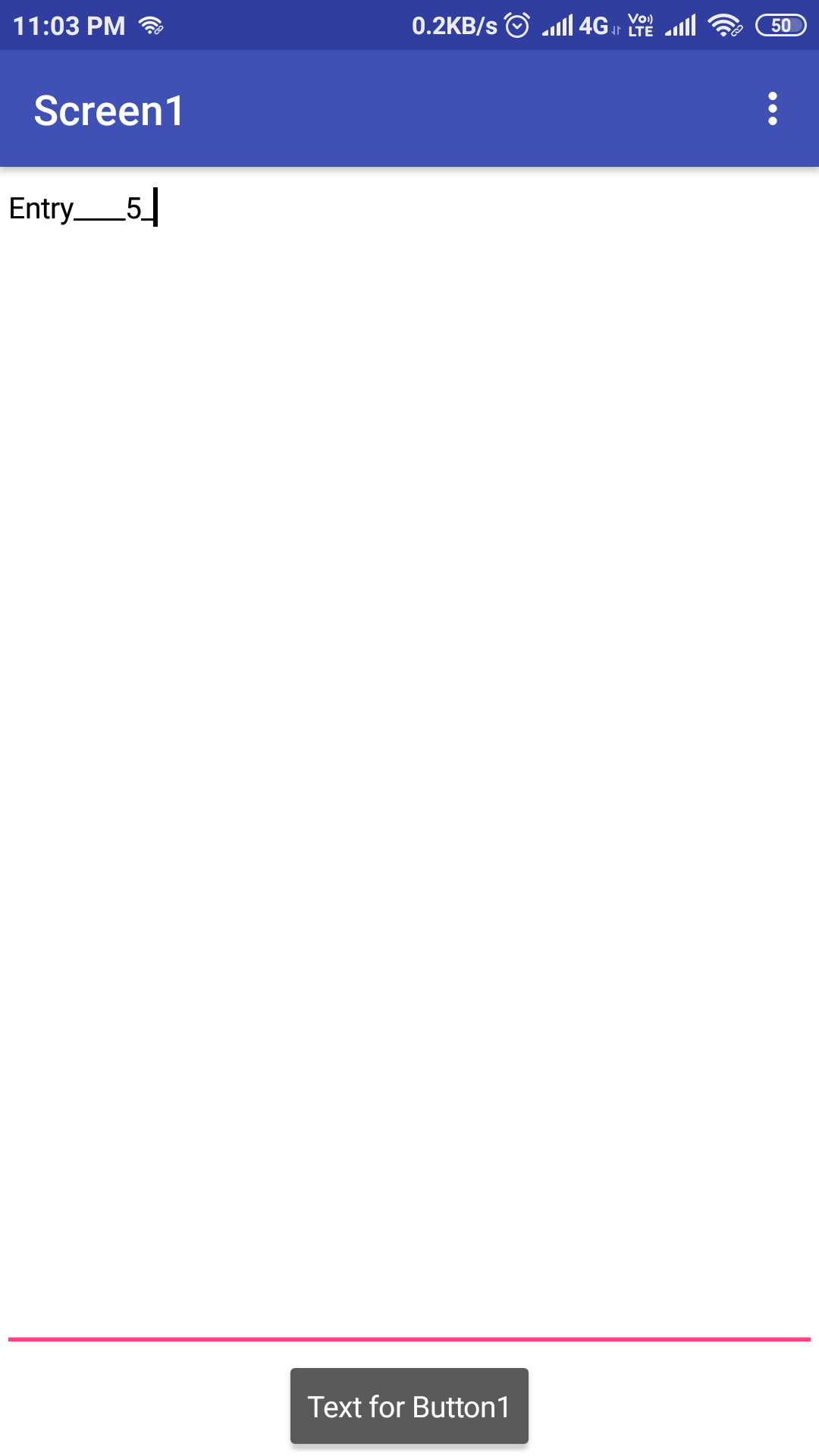
now this is how it works:
but how i want it to work:
i want to show one value or entry at time then after 5 seconds it should show 2nd value then 3rd then n…number then10th and then restart from 1st value to 10th value, i want to show every value one by one
ADDYLIN
August 25, 2020, 5:46pm
6
just remove the “join” Block.
2 Likes
like this:
now it show only 10tn value
but now it only show 10th value, it is not showing values one by one.
ADDYLIN
August 25, 2020, 6:01pm
10
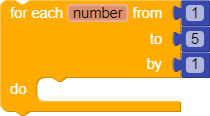
in for each number loop
1 Like
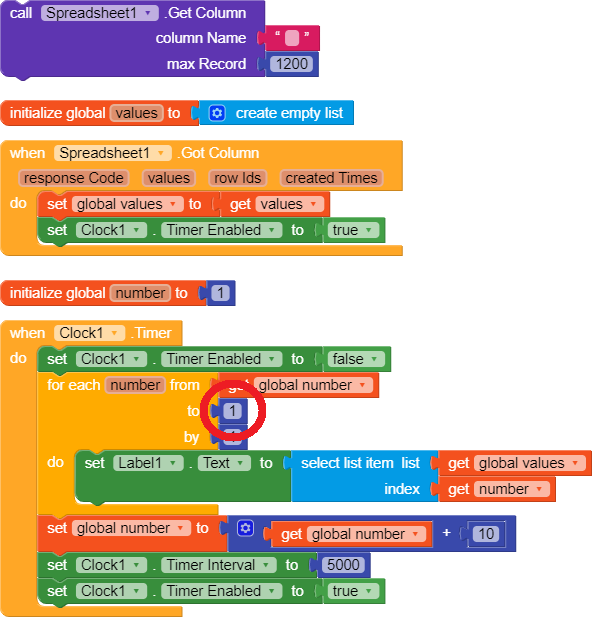
i am very sorry but problem is still same, i set “to” to 1 now it show 1st value only
airtable_copy.aia (3.0 KB)
in design view i also tried clock Time always fire on / off but still issue
1 Like
ADDYLIN
August 25, 2020, 6:47pm
14
in “to” set global number + 1
1 Like
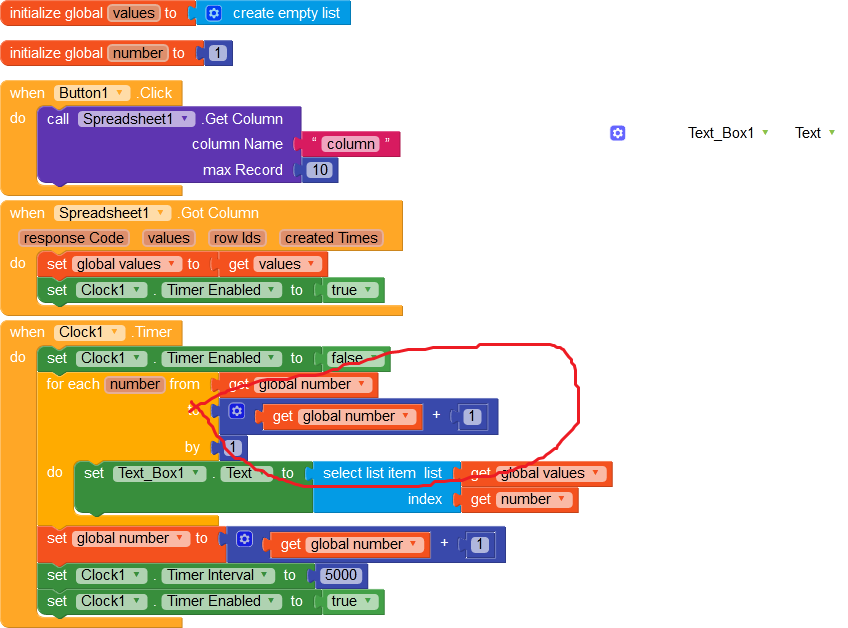
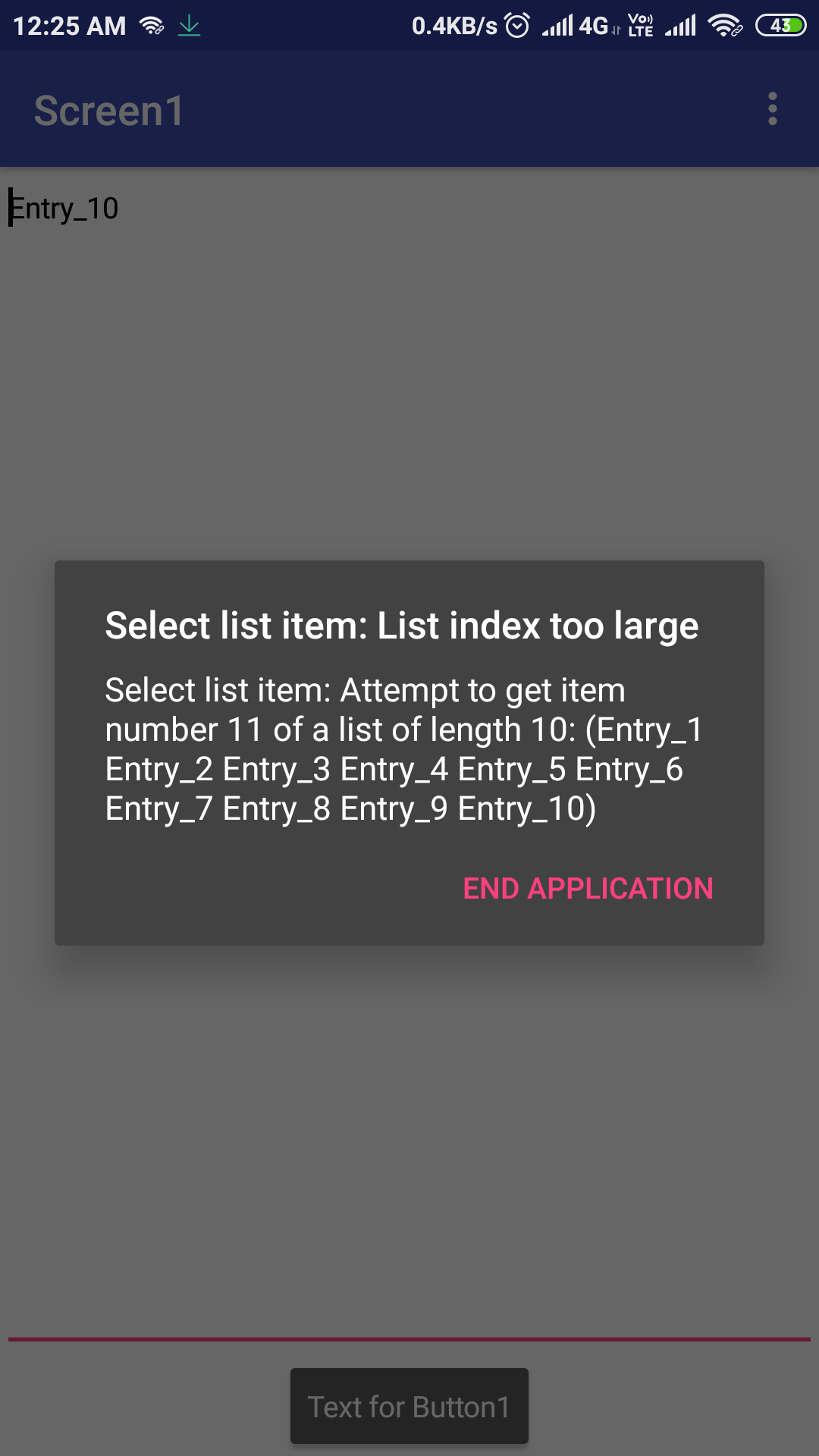
this worked it start showing value from 2nd to 10th but after showing 10th value i am getting error:
ADDYLIN
August 25, 2020, 7:01pm
16
use a if then statement after timer enabled to false.
if global number > 10
1 Like
ADDYLIN
August 25, 2020, 7:05pm
17
alldownloadworld:
from 2nd
set “to” to global number
1 Like
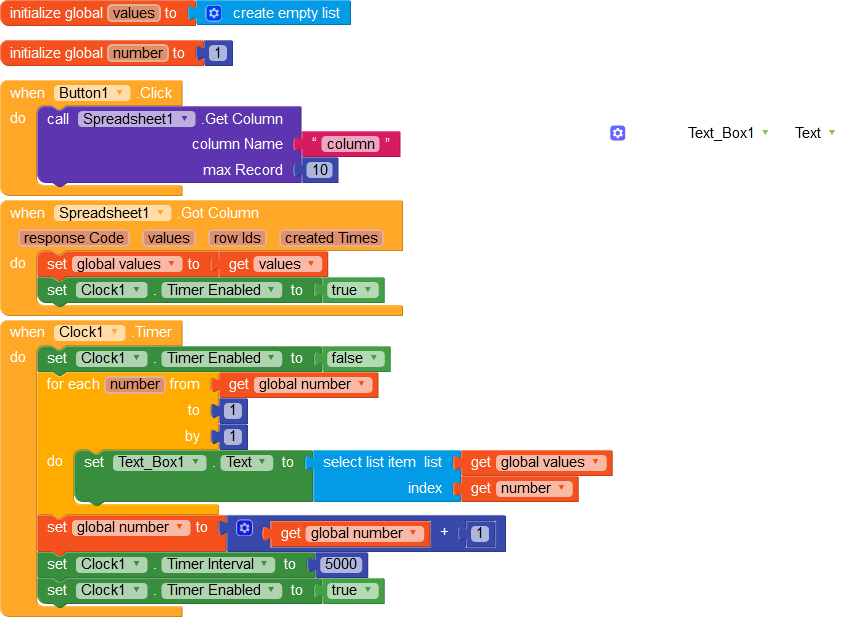
i did this but getting same error please look if i am doing wrong
1 Like
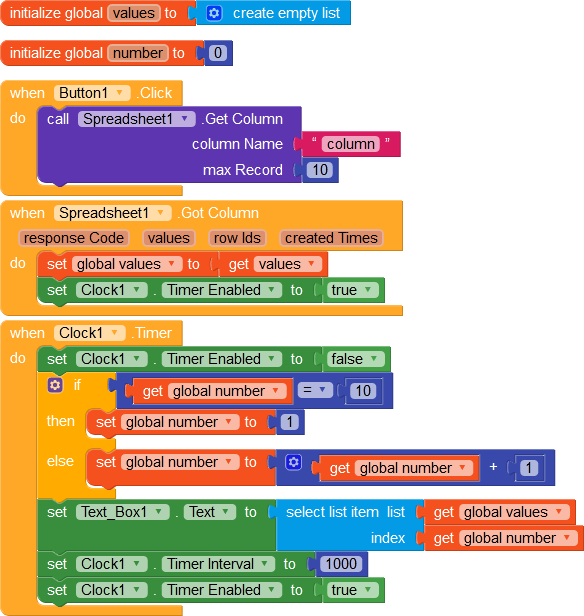
I don’t see any use of the for loop @alldownloadworld .You can easily do like that.
And from the designer set timer enabled to true.And timer interval to 2000 ( can be set from blocks).
1 Like
well thank you @Mohamed_Tamer and also very thank you @ADDYLIN you really helped me a lot
2 Likes
ADDYLIN
August 26, 2020, 3:07am
21
Yes True,
2 Likes
system
September 25, 2020, 3:07am
22
This topic was automatically closed 30 days after the last reply. New replies are no longer allowed.