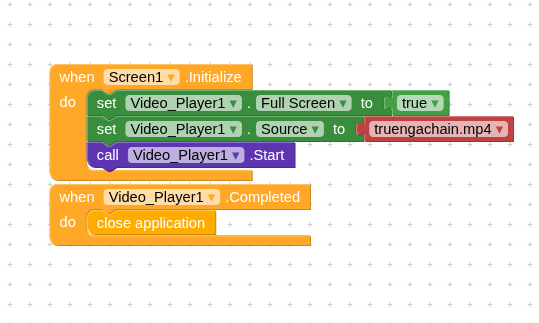
i want to make just a simple app that when it opens it plays a single video and when it ends, the app closes. But i keep getting this error!!! I
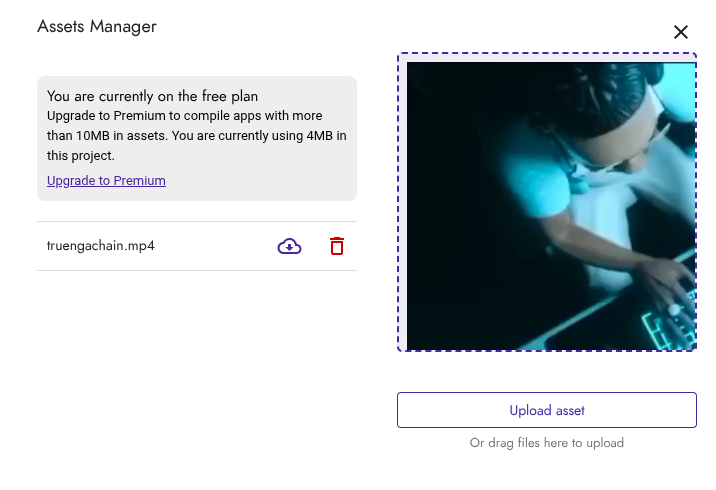
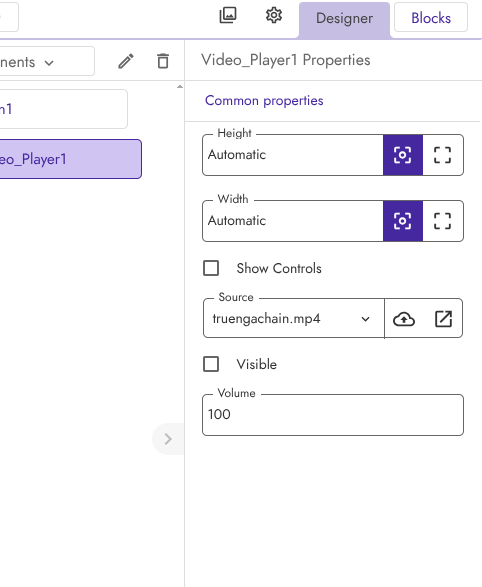
ve searched for all of the forums about that error but i could not find a straight answer. I dont have spaces between letters nor weird characters in the video file title, i uploaded it in the kodular’s asset manager, it seemed fine, but its unable to open!!!
Hi dear,
if the error is really what you wrote, the player is trying to load example.mp4 while your video is actually called truengachain.mp4.
Try referencing the file with
//truengachain.mp4
but
- If you refresh the page, is the asset still there?
- Are you using an emulator or the APK?
Sorry to confuse, message is “unable to load truengachain.mp4” i really wrote that wrong, when i refresh it still appears so its not something like this, and ive tried with the apk and with the companion app, about the //truengachain.mp4 where do i type this or how do i do that?
Just use plain text

If you want, you can share your .aia file or the video you’re trying to include, so we can better check what the problem is.
i tried it, still doesnt work, it just shows “cant play this video”, it did that error before but was accompanied with the error 701, idk if its anything with the video, i will upload both video and aia, though please excuse me for the context of the video if you dont mind…
videolol.aia (4.6 MB)
all i want the app to do is when opened, to show no controls no anything, go fullscreen, play the video, and then close after its done playing it.
No problem 

Try this,
vieololFix.aia (4.6 MB)
I also added a Clock in Screen.Initialize because the player needs to initialize before it can execute a Start.
tried it trough companion and running the apk in my phone but it still doesnt work 
 But are you getting any specific error?
To clear up any doubt, I’d ask you to try this APK.
(tried it on two different devices)
Tty to add a small delay before playing
Just add a clock component, start the clock in the Initialize event and start playing the video in the Clock Timer event
Taifun
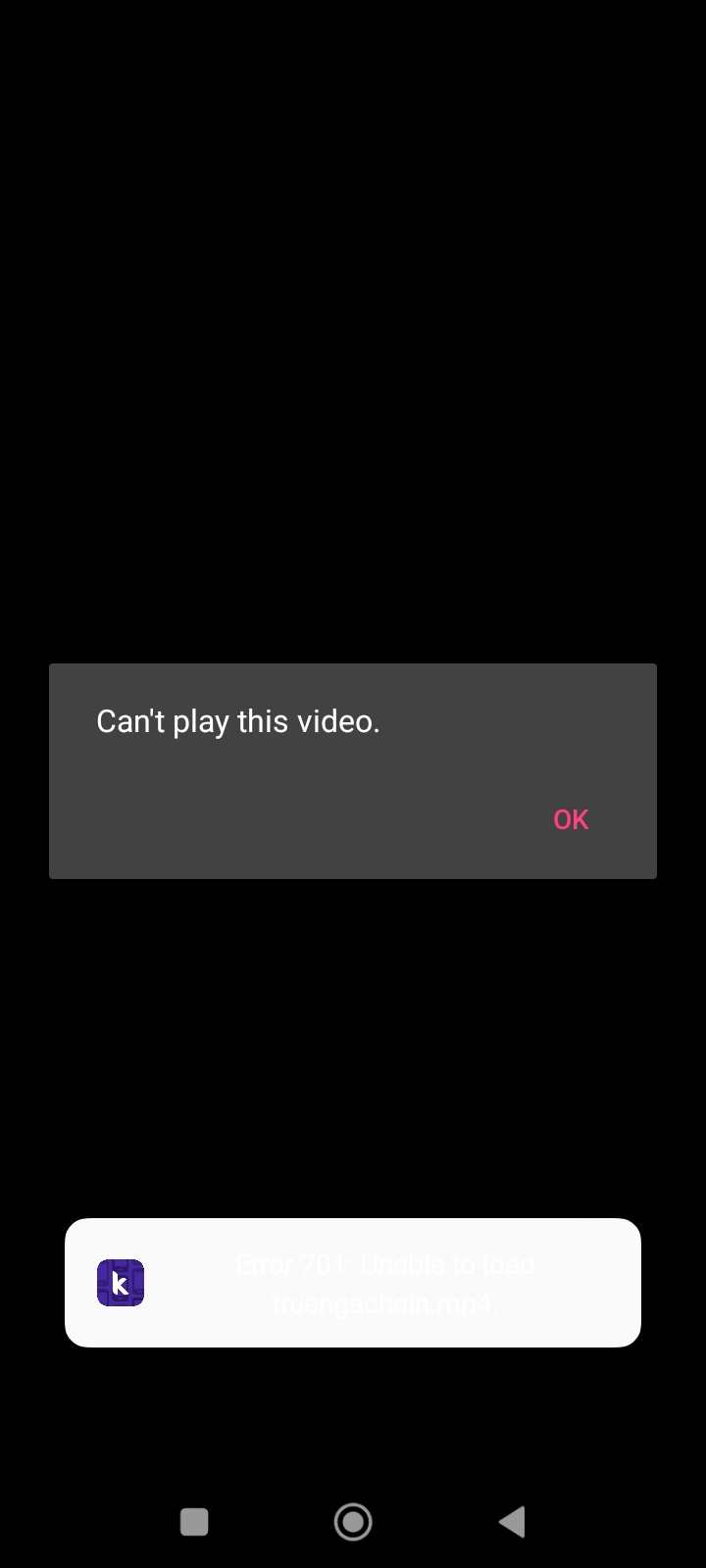
we did try it, still doesnt work, for some reason it works on RaYzZz and not me…
I created a project that lets you try the main paths to reach the file,
try all the buttons and tell me if there’s one that works.
videololPathTest.aia (4.6 MB)
it still shows the 701 error on all paths 
@Taifun could you kindly try it as well on an Android 15 device?
i tried playing another video and it worked??? idk im very confused
Is it a statement or a question? 
I asked Taifun if he could also test it on a device running Android 15, since there might be a problem specific to that version.
Unfortunately, I don’t have a device with version 15 available at the moment.
i see, and it was a statement i made, im thinking of just installing a video extension and working with that
I was trying these blocks without error message,
but unfortunately the video did not start automatically
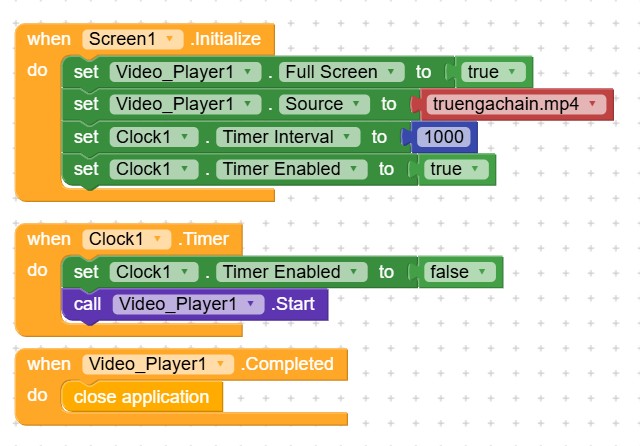
Taifun
i used that rn, and it STILL doesnt work for me. with some other videos it works with others it doesnt work, idk what this is, should we report it as a bug?
try to find out the difference between the videos… check the metadata
Taifun